The short version
- Most prompts in a coding session are small. Sending a typo fix to the most expensive model is like hiring an architect to hang a picture.
- Luminair now picks an adequate model per turn: light for small edits, heavy for payments, security and migrations.
- Two decision models, Laya (runs on your Mac) and Jev (hosted), read each prompt. They never write text; they only answer questions about it.
- Every choice shows its reason. Paid API spending stays off unless you turn it on.
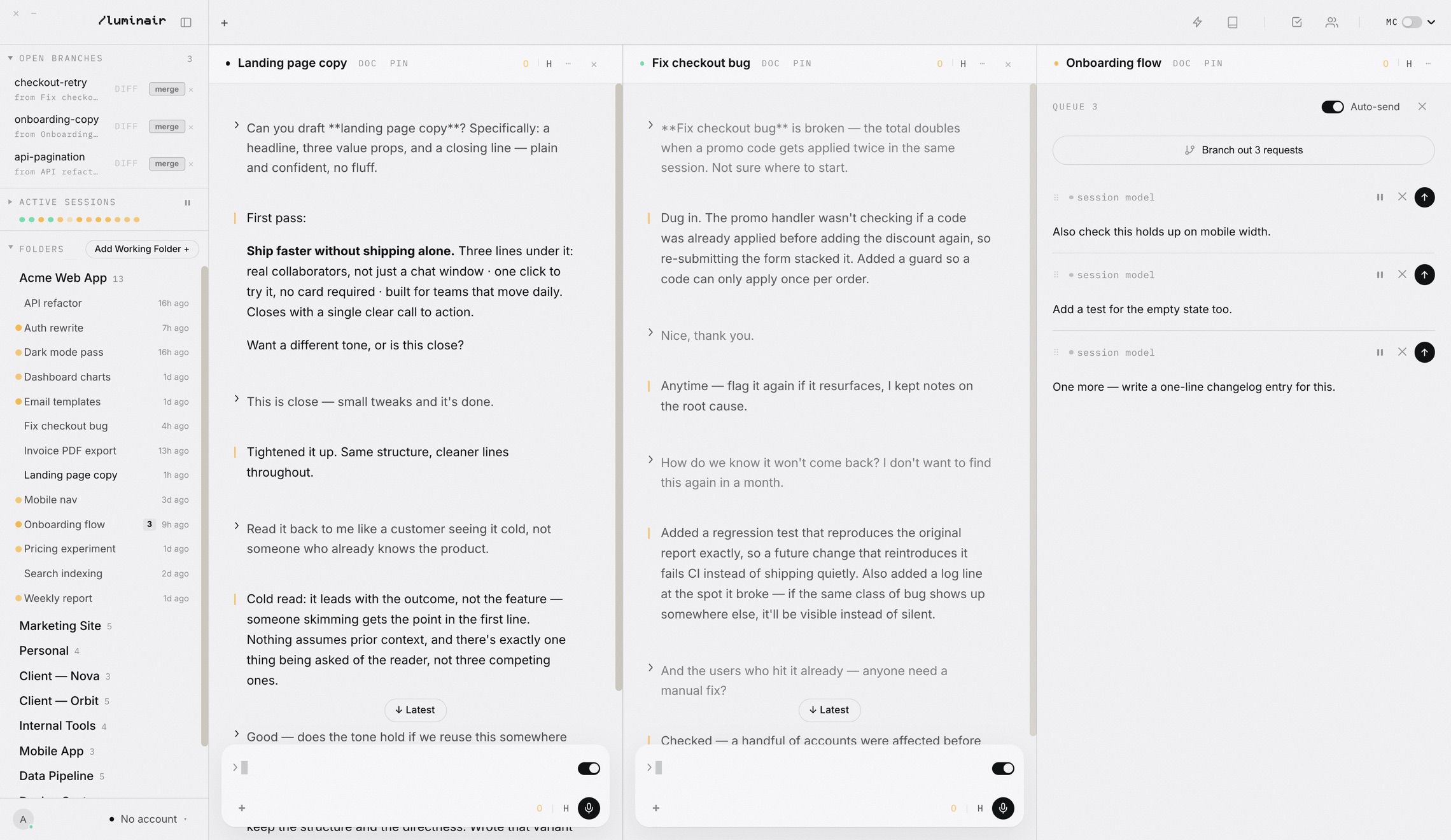
We used Luminair to build Luminair.
Everything in this post was researched, written and tested inside the app it describes. We split the work across sessions and models, each doing what it is best at, and kept the findings in the Luminair Journal so no session had to start from zero.



Most turns are small.
A real coding session is not one long, hard question. It is a hard question followed by dozens of little ones:
- “Change the button background to the design token.”
- “Fix the typo in the header title.”
- “Add 8px of space under the card.”
If your session is pinned to a flagship model, every one of those little turns is billed at flagship rates. If it is pinned to a cheap model, the first hard question falls over. Switching the model picker by hand fifty times an hour is not a workflow.
Four steps, one receipt.
Here is what happens between pressing Enter and a model starting to work, in plain terms. Fig 01 at the top of this page is the same flow as a diagram.
Check for a simple edit
A plain rule looks for short, self-contained visual changes: colors, spacing, typos. If it matches, the turn goes to a light model right away. No model is asked, so there is nothing to wait for.
Read the prompt
Otherwise a decision model reads the prompt and answers five fixed questions. Laya runs entirely on your Mac (about 600 MB). Jev is hosted and runs through your own Cloudflare account.
Apply your rules
The policy throws out anything too weak for the task, anything out of allowance, and anything that would start paid API spending without your permission. Among what is left, it prefers lower reference cost and staying with the current provider.
Pick, and say why
The chosen model runs the turn. The panel records the choice, the reason, the allowance reading and the decision time. When anything is unclear (an image, a “continue”, a timeout), your selected model is kept.
The details that matter.
1 · The fastest decision is no decision
We measured Laya on one Mac with six synthetic prompts. A warm classification took 610 to 674 ms; the very first call took 1,444 ms. That is fine for a refactor. For “make the button blue” it is more time deciding than the change deserves.
So small visual edits never reach the classifier. The simple-edit rule is plain, inspectable code, and it hands the turn to a light model with zero classifier wait.
2 · Precision comes before price
Cheap is only good if it is good enough. The policy first asks how precise the work must be. Small edits may use light models. Clear security, payment or migration work requires a heavy model, and with Protect high precision work on, it never downgrades a stronger model you already picked.
3 · Switching providers has a hidden cost
A naive router compares price tables and jumps to whichever is a few cents cheaper. But a long session builds up a warm prompt cache with its provider. Move the conversation to a different provider and that cache is gone; the history has to be bridged over and paid for again.
So the scorer adds a penalty for changing provider and a small bonus for the model you already have. Out of the box, Stay with the same provider is on, so Automatic only chooses within your current provider unless you allow otherwise.
// Switching providers can lose warm caches and requires a history bridge.
if (current && current.engine !== candidate.engine) score += 1.5;
if (candidate.id === context.model) score -= 0.4;
Lower scores win. A model has to be meaningfully better suited before it is worth leaving a warm cache behind.
4 · No surprise bills, no made-up numbers
Many people run Luminair on subscriptions, but some models are pay-per-token API lanes. A turn that starts on a subscription will never move into a metered API lane unless you turn on Allow switching into paid API models. It ships off.
Allowance works the same careful way. The router reads your account meters, keeps separate pools separate, and treats any reading older than three minutes as unknown. It never turns a percentage into a guessed token count.
Where the controls live.
- 1Open Settings › Models and scroll to Decision models.
- 2Pick Laya to download it, or Jev to connect your Cloudflare account.
- 3Leave each task strength on Automatic — best fit, or pin your own model per strength.
- 4Send a prompt. Last decision shows which model ran and why.
Laya
Laya runs fully on this computer (about 600 MB). It evaluates each prompt's strength, file access, conversation dependence, verification needs, and risk.
Who does what.
Each model has a researched profile: its published price, its strength level, and a source link. Strength levels are our routing policy, not benchmark scores. Prices are USD per million input / output tokens at standard API rates.
| Model | In / out | Level | Used for |
|---|---|---|---|
| OpenAI · Codex | |||
| GPT-5.6 Luna | $0.20 / $1.20 | Light | First pick for narrow, low-risk edits |
| GPT-5.6 Terra | $2 / $12 | Standard | Everyday development |
| GPT-5.6 Sol | $4 / $20 | Heavy | Flagship coding; promotional rate |
| GPT-6 Astra | $10 / $50 | Premium | Hard, end-to-end work |
| Anthropic · Claude | |||
| Sonnet 5 | $2 / $10 | Standard | Routine coding; fallback for small edits |
| Opus 5.5 | $4 / $20 | Heavy | Long-running coding |
| Opus 5 · Opus 4.8 | $5 / $25 | Heavy | Heavy work |
| Fable 5 · Fable 5.1 | $10 / $50 | Premium | Demanding reasoning; never for small edits |
| Perplexity | |||
| Sonar | $1 / $1 | Light research | Quick sourced answers |
| Sonar Reasoning Pro | $2 / $8 | Research | Research that needs reasoning |
| Sonar Pro | $3 / $15 | Research | Deeper sourced research |
| Google · Antigravity | |||
| Gemini 3.8 Flash, low | $0.75 / $3.75 | Light | Promotional API reference through 31 Dec 2026 |
| Gemini 3.8 Flash, medium / high | $0.75 / $3.75 | Standard | Same reference; conservative level |
Local and unknown models (Ollama, LM Studio, downloaded weights) stay available as manual picks; they get no invented score. The profiles carry a review date: on 27 October 2026 Automatic stops using this snapshot until it is refreshed.
Checked, and not yet checked.
We also clicked each of the four new switches off and on in a real app window and confirmed each setting was saved, and routed a payment refactor from Luna to Sol at high effort.
Not measured yet
- Real tokens or dollars saved per session
- Answer quality across every provider model
- How much subscription allowance each task really uses
- Laya's speed on your hardware
When those numbers exist, they will be in a follow-up post here. Until then, we would rather show you the method than a made-up headline.
Try Automatic routing
Connect your accounts, pick Laya or Jev, and let each turn find its model.