Every leading model, one conversation
Claude, GPT, Gemini and more work in the same session. One drafts, another checks.
Learn more → Gmail
 Google Calendar
 Google Docs & Sheets
 Microsoft 365
 QuickBooks
 Xero
 Stripe
 Square
 Shopify
 HubSpot
 Mailchimp
 Klaviyo
 Calendly
Google connects right inside Luminair. Most others connect through the Claude or ChatGPT account you already have.
On Team+, if a tool you use isn’t connected yet, we build the connection within 7 days.
Luminair brings Claude, GPT, Gemini and more into one platform, with the same conversation experience you’re used to. They all know your business, so there is no memory loss.














With Luminair auto routing, you can save up to 41% on token costs.
With Journal, information is organized in layers: a one-line summary, an outline, then the full doc. Each message carries a short digest of what matches it. The AI opens an outline or a single section only when the work needs it.
Luminair picks the model for each message. A built-in judge sizes the message as light, standard or heavy without calling a model. Light work goes to a lower-cost model you have connected; hard work keeps a top model.
Luminair limits what rides along with each message. A rule file over 24KB is left out, not sent. The working summary of a long session (objective, recent turns, files touched) is cut to a fixed size, so the AI does not re-read the whole project to catch up.
75%of queries automatically switched to a lower-cost model than the default.
41%saved on token price when Luminair picks the model.
Auto-model, but you stay in control. Luminair picks the model for each message. Change it any time.
Connects with the apps your business already runs on
Run several models on one job, give them all the same memory, queue and branch their work, and check in from anywhere.
Claude, GPT, Gemini and more work in the same session. One drafts, another checks.
Learn more →Keep your prices, tone and rules in one Journal. Every AI and every teammate has them instantly, with nothing to re-explain.
Learn more →Queue requests while a session works. Branch out, and independent ones run in parallel.
Learn more →Check progress, answer a question, or queue the next request from your phone.
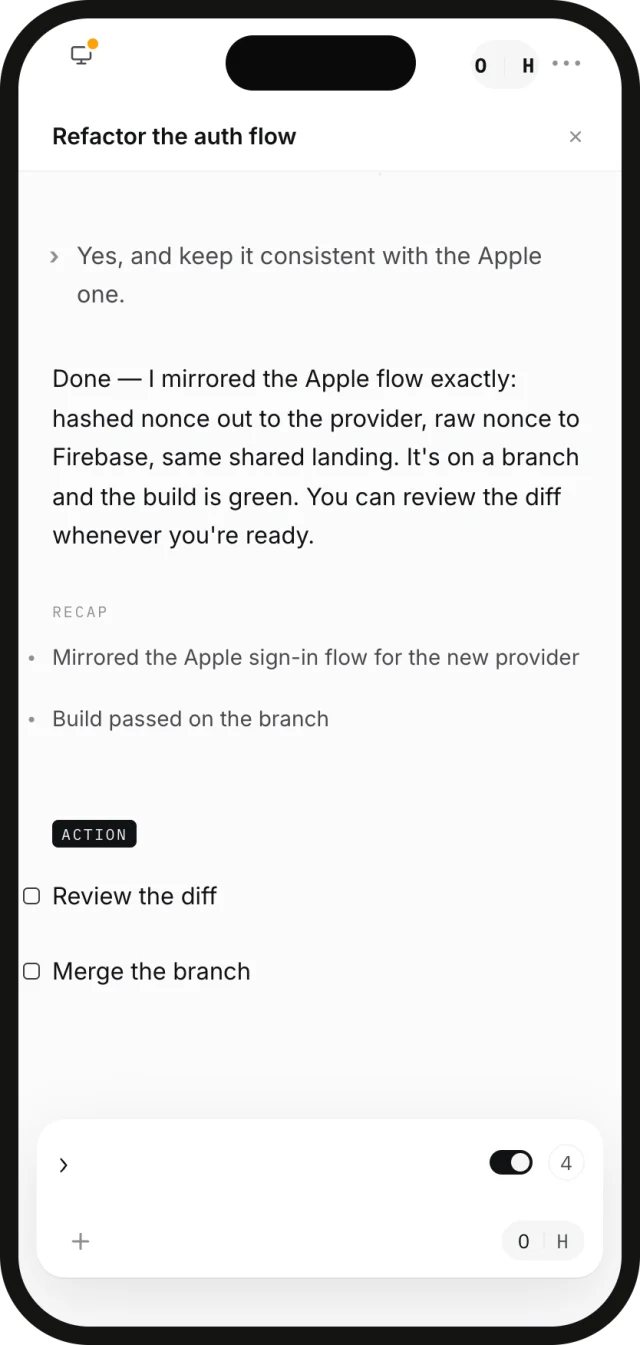
Learn more →A session keeps working after you close the laptop. Open Luminair on your phone or tablet to check progress, answer a question it is waiting on, or queue the next request.
See how Mobile Relay works →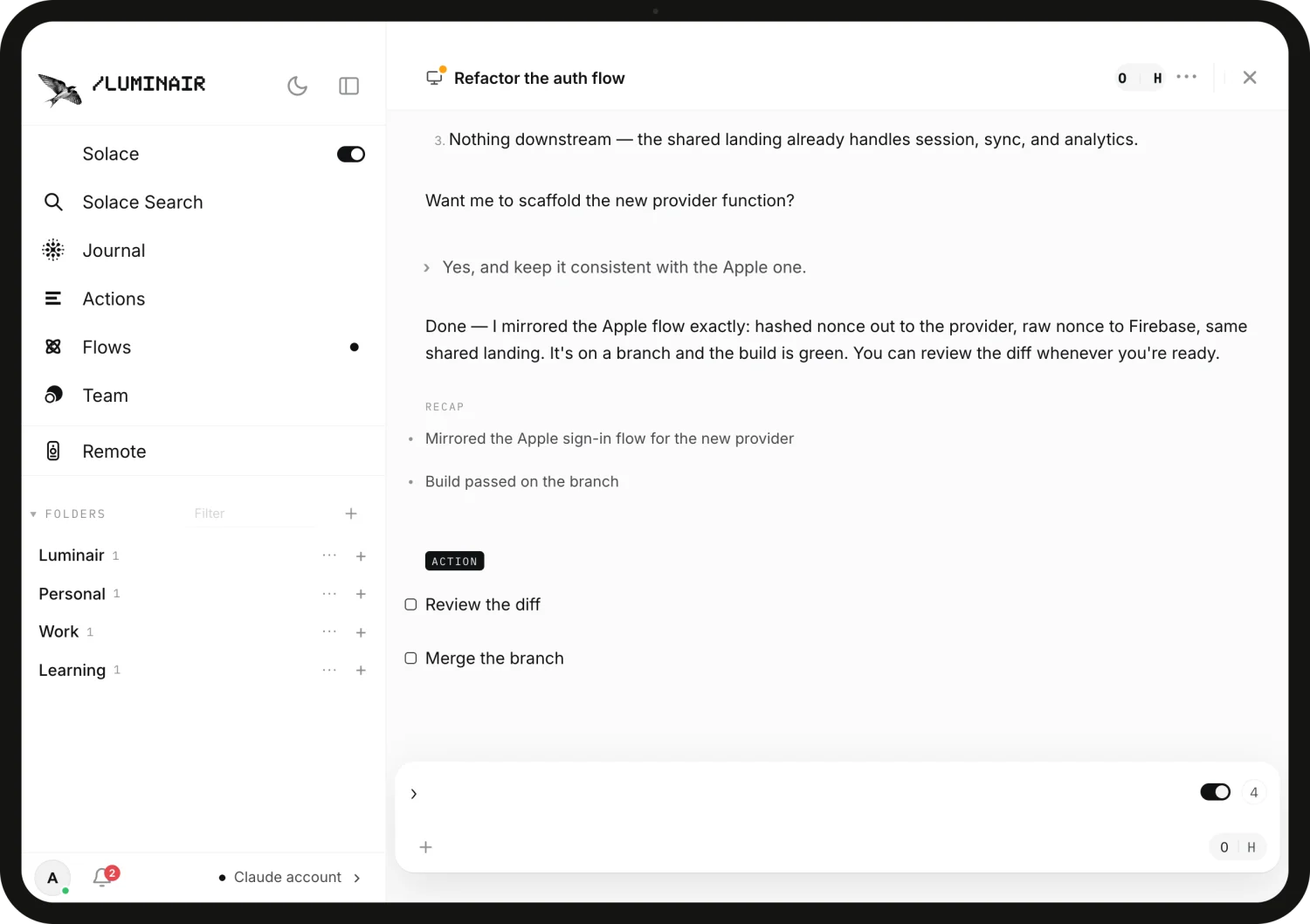
Luminair runs on your Mac, Windows or Linux machine. You choose which folders and accounts each session can use.
Sign in with the AI plans you already pay for, and switch models whenever you like.
Pin a model to any query, or let Luminair pick. Every Flow step names its model too.
Usage is tracked per model and per session, so cost is never a surprise.
Luminair gives solo founders and small teams the leverage of a much bigger company.
13 features in three groups, then Luminair, which watches over all of them. Skim the headlines, then open any one for the full story.
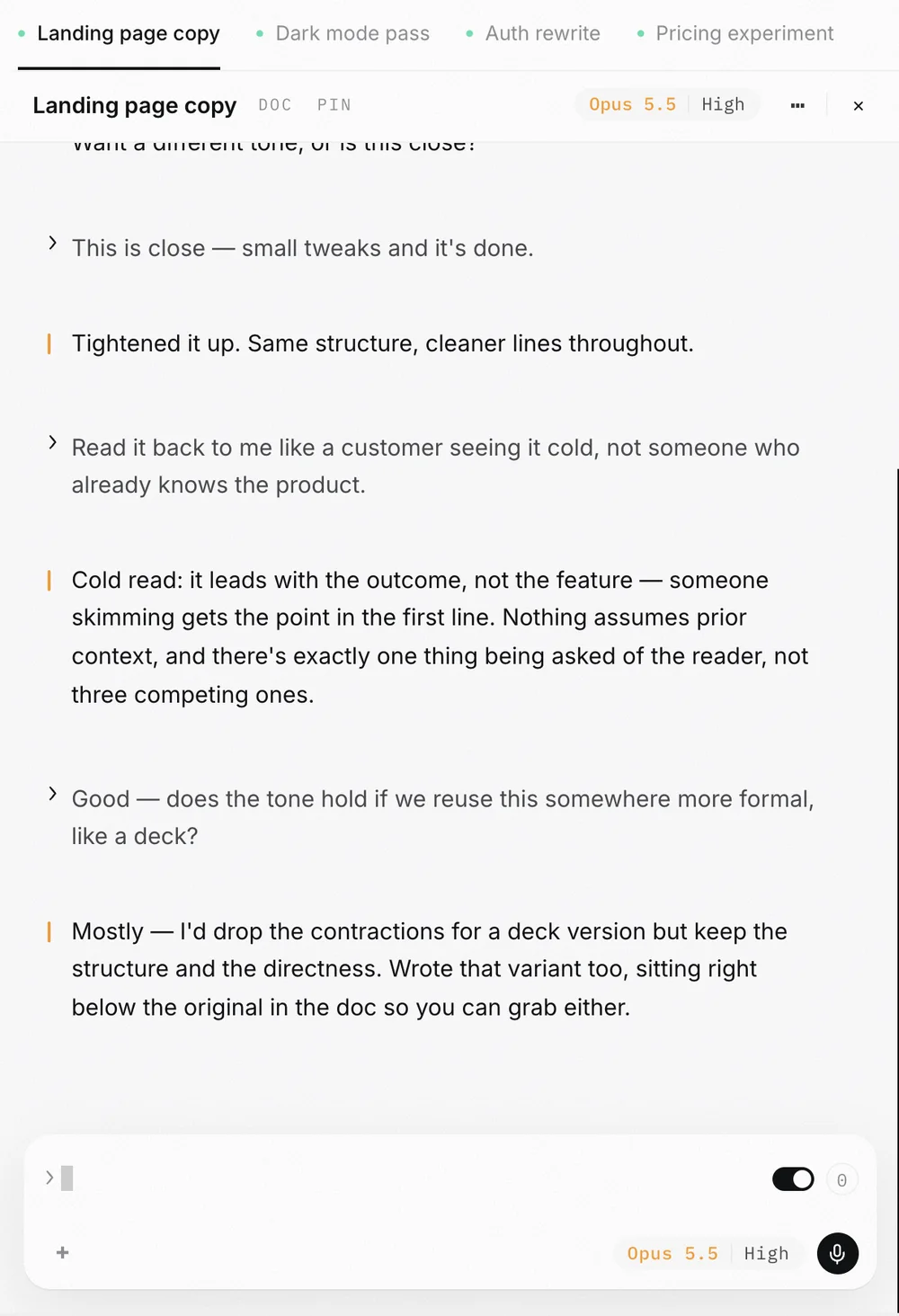
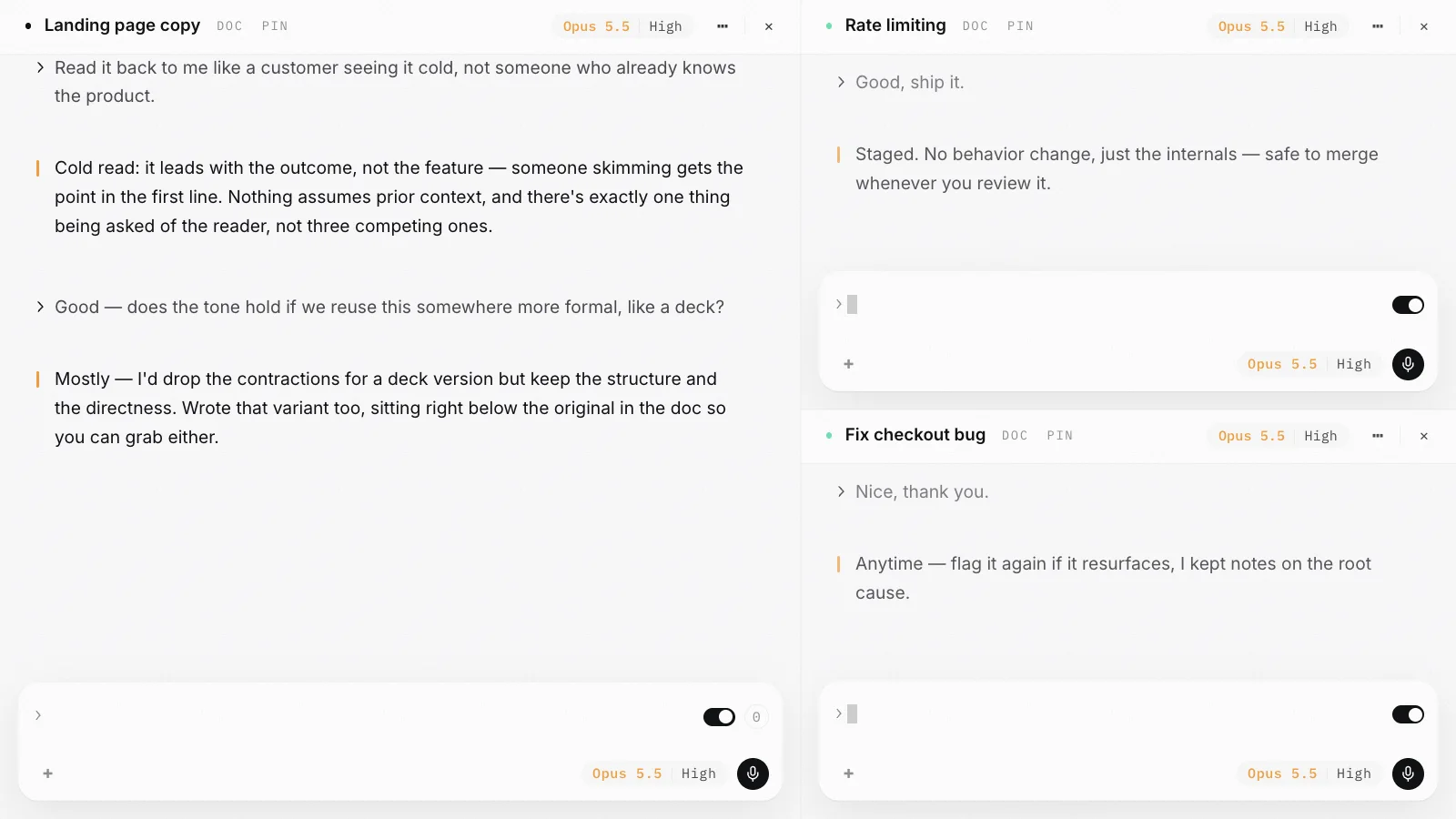
This is close, small tweaks and it's done.
Tightened it up. Same structure, cleaner lines throughout.
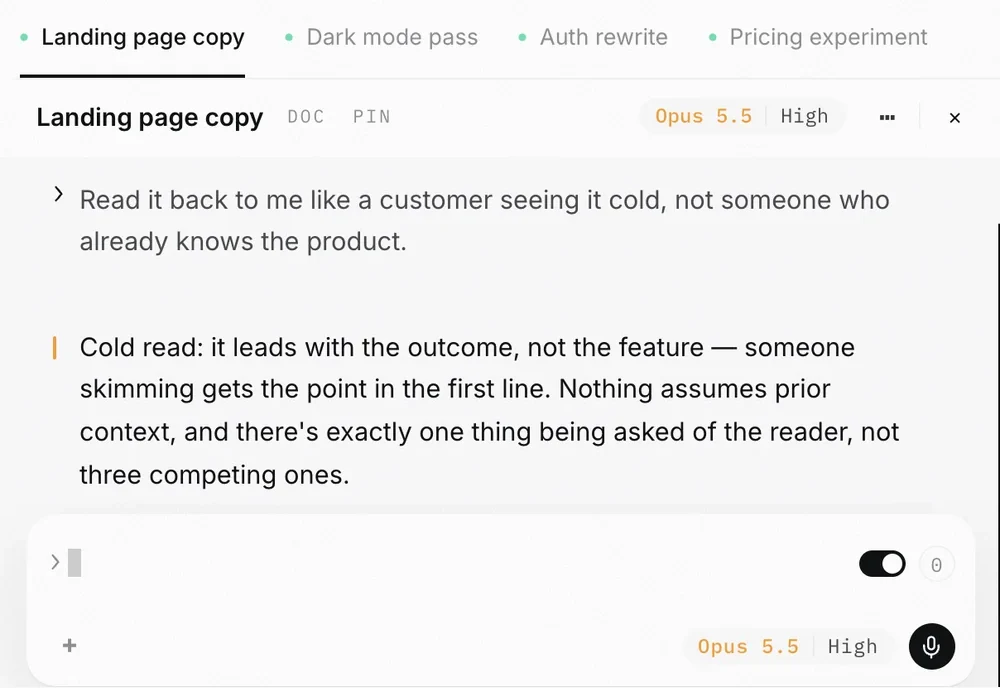
Read it back to me like a customer seeing it cold.
Cold read: it leads with the outcome, not the feature. Someone skimming gets the point in the first line.
Does the tone hold in a deck?
Mostly. I'd drop the contractions for a deck version but keep the structure.
Warm, plain, a little dry. We sound like the person behind the counter.
Prices include tax. Name the baker. Say when it came out of the oven.
Sessions that live in the cloud, organised by project, forkable, and side by side.
See what is working, what is waiting and what is stuck.
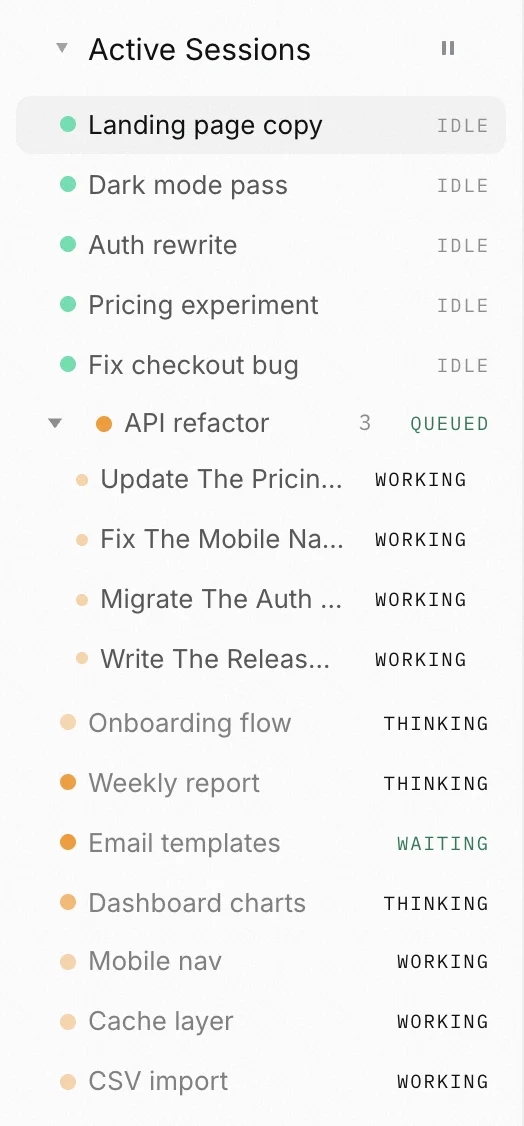
Active Sessions lists every session that is doing something right now, each with a status dot and a label. You see what is working, what is queued and what has stopped, without opening a single one.
A session appears the moment it starts working and stays until you have seen the result. Close its tab and it keeps going in the background.
Orange and pulsing means thinking. Green means a message is queued. Red says Error or Stopped in words, so you read the label and not just the color.
A run that breaks turns red and says Error, so you find a crash or a rate limit in seconds instead of discovering it an hour later.
Five sessions across three projects: some thinking, one queued, one stopped. Active Sessions puts them in one list in the sidebar, so you check on all of them without hunting through tabs.
One switch on the Active Sessions bar pauses every queue. Replies already in flight finish, manual sends still work, and the pause holds across restarts until you switch it back.
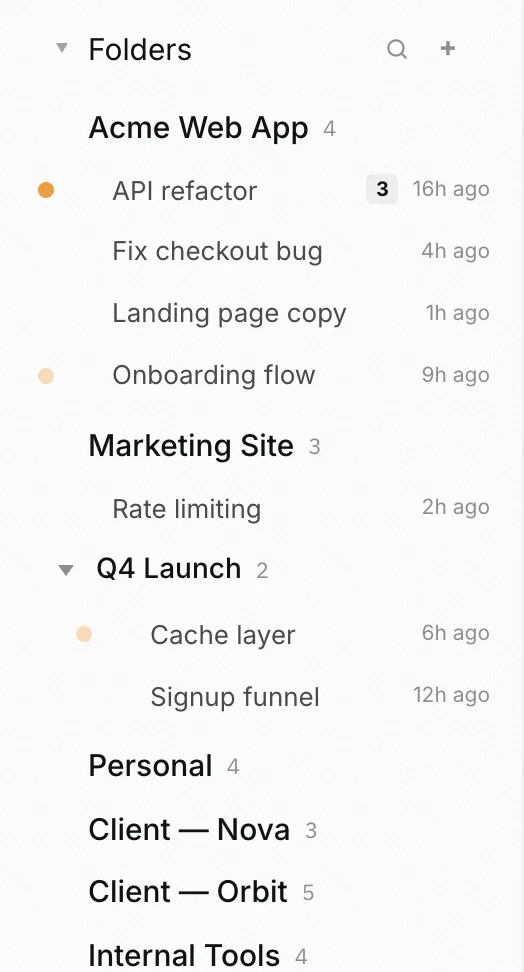
One folder per client or project, each with its own memory.
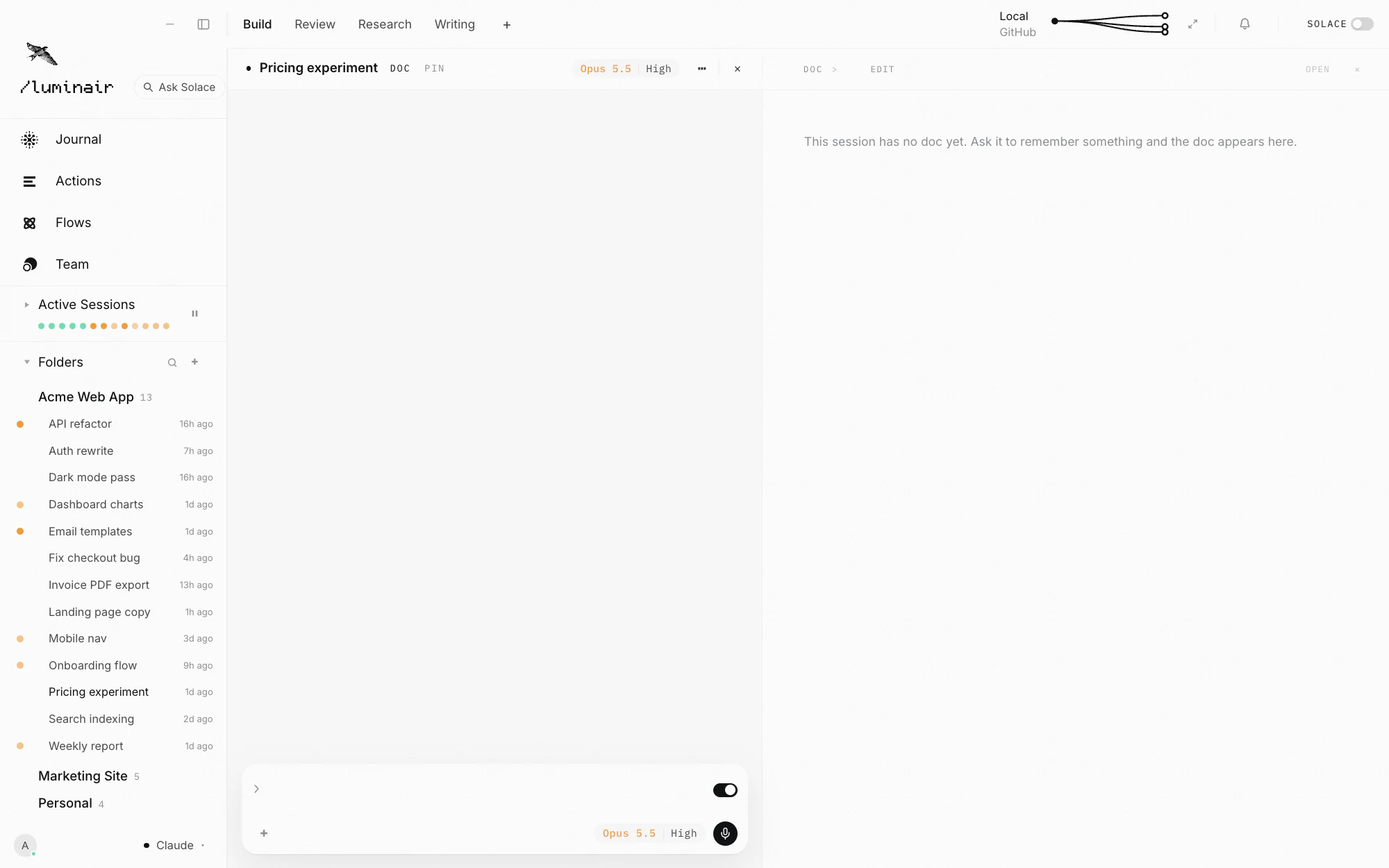
A folder in Luminair is not a bookmark. It is a workspace: its own sessions, its own abilities, its own journal notes, its own default model. Open it and everything about that project comes back with it.
Add a folder and Luminair treats it as a project: sessions grouped under it, file tools scoped to it, history kept with it.
Default model, intensity, abilities and connectors are remembered per folder, so a marketing project and a codebase never share the wrong defaults.
Reopen a folder and its sessions come back in the order you left them, on any machine you sign in from.
A research folder can run a cheap fast model with web-focused abilities. A production repo can pin high intensity and a strict "never touch main" rule. Neither one leaks into the other, and you never re-set them by hand.
Drag a folder onto the window, or open one from the sidebar. Luminair reads it on your machine with real file tools, not an upload into a sandbox.
This is close, small tweaks and it's done.
Tightened it up. Same structure, cleaner lines throughout.
Read it back to me like a customer.
See two chats side by side, like browser tabs.
Tabs across the top, split panes below. Put two sessions side by side, drag the divider, double-click to reset. The arrangement is yours and Luminair keeps it.
Split as far as the window allows. Every pane is a full session, not a preview.
Tabs are named by session, grouped by folder, and survive a restart. You always know which thread is which.
Move a divider to give a pane more room. Double-click it to snap back to even. Auto-tidy evens everything out in one click.
A long run does not have to hold your window hostage. Let it stream in the left pane while you plan the next thing on the right, in the same project, with the same files open.
Two branches of the same question, side by side, same scroll. It is the fastest way to tell a good answer from a confident one.
Save your screen setup and bring it back in one click.
Set up the panes and tabs you want for a kind of work, save it as a Layout, and switch back to it any time. Research, build, review: three arrangements, one keystroke apart.
Panes, splits, sizes, tabs and which sessions are open. Named, saved, one click away.
A research layout with two reference panes. A build layout with one wide pane and a sidebar. Move between them without dragging anything.
One click evens out the panes and resets the sidebar when the window has drifted out of shape.
Reviewing is not building. Give each mode its own arrangement and stop rebuilding the same three-pane setup from scratch every morning.
Layouts are part of your setup, not a local preference file. New laptop, same arrangement.
Hand over a list, route each request to the right model, and lose nothing on the way.
Line up tasks, reorder them, and let them run while you do something else.
Every session has a queue. Type while it is busy and your message waits in line, then runs when its turn comes. Drag items into a new order, pause one or all of them, send one now, or give a single item its own model.
Fire the next thought without waiting on the last. It goes in the list, in order, and it will run.
Drag an item up or down the list. Pause one, or hold the whole queue with Auto-send off, then let it run again when you are ready.
Each queued message runs on the session model or on one you pick for it, so a quick check and a heavy rewrite do not have to share a model.
Enter sends. Cmd+Enter jumps the queue, Ctrl+Enter injects your message into the task already running, and Option+Enter parks it paused for later. One switch on the Active Sessions bar pauses every queue at once.
Add three items from your phone on the way home. They are waiting at your desk, in order, ready to run. Same list, every device, no export step.
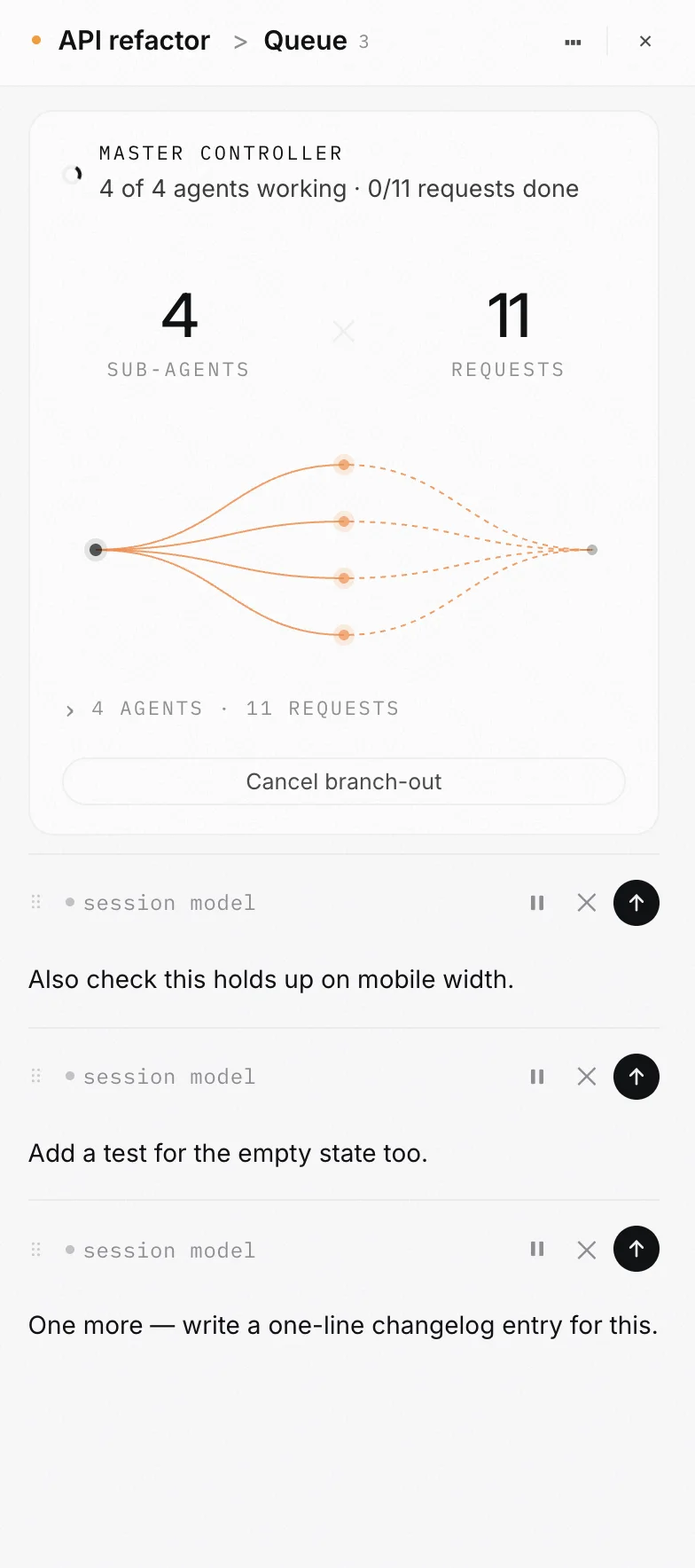
Turn a queue into a team of agents working at once.
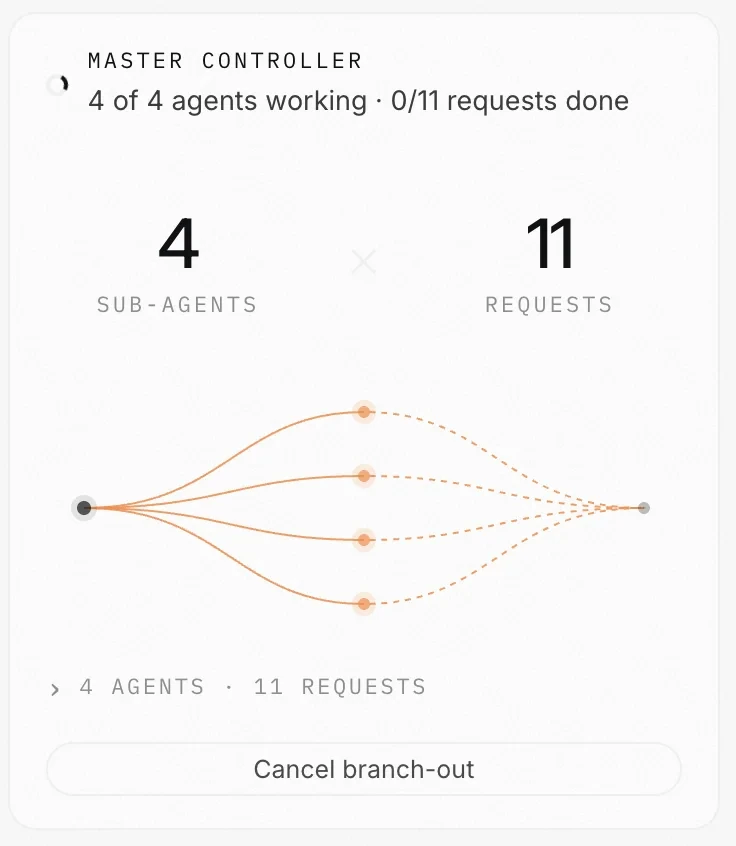
Branch Out turns a queue into parallel work. A master agent groups your requests, gives each group its own agent on its own branch, then merges the results and hands them to you. Your main branch is never touched.
Once a session has more than three queued requests, a Branch out button appears. Press it and the requests are worked in parallel instead of one after another.
Each agent works in its own isolated copy of the repo, on its own git branch, then merges back like a pull request.
Type //branchout x3 and one request is solved three different ways in parallel, then a judge ranks them. Anywhere from two to five ways.
Write every task as its own message, press Branch Out, and leave. Parallel agents clear the list while you are gone. Research questions are answered straight into the chat, and code lands on a side branch for you to review.
A restore point is created before anything starts. Sub-agents cannot switch branches, push or reach the network. A conflict that cannot be resolved is reported, never forced.
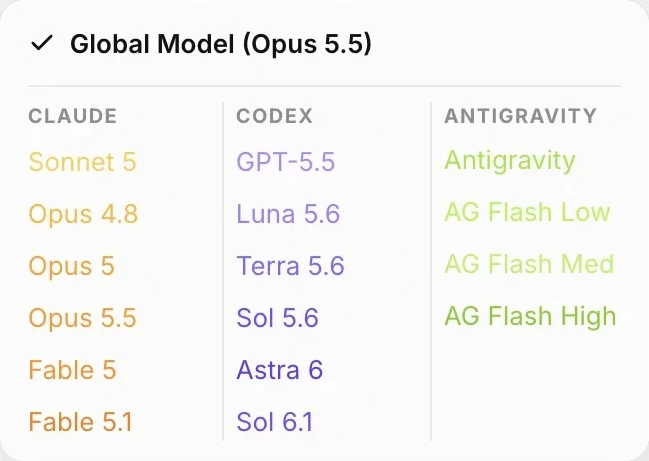
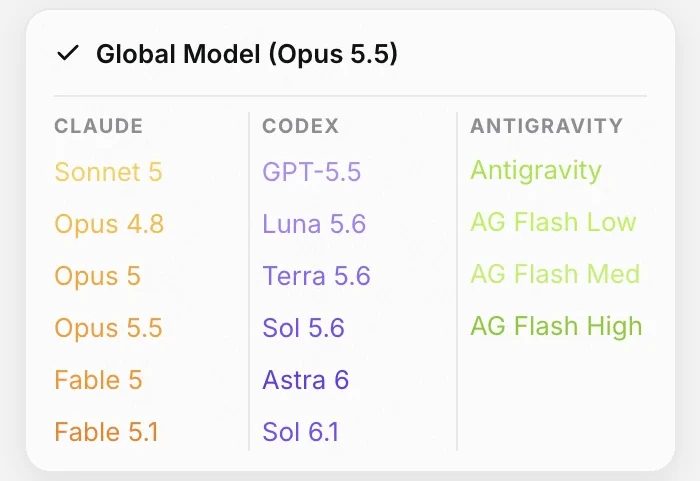
Claude, Codex, Gemini, Kimi and more, chosen per chat.
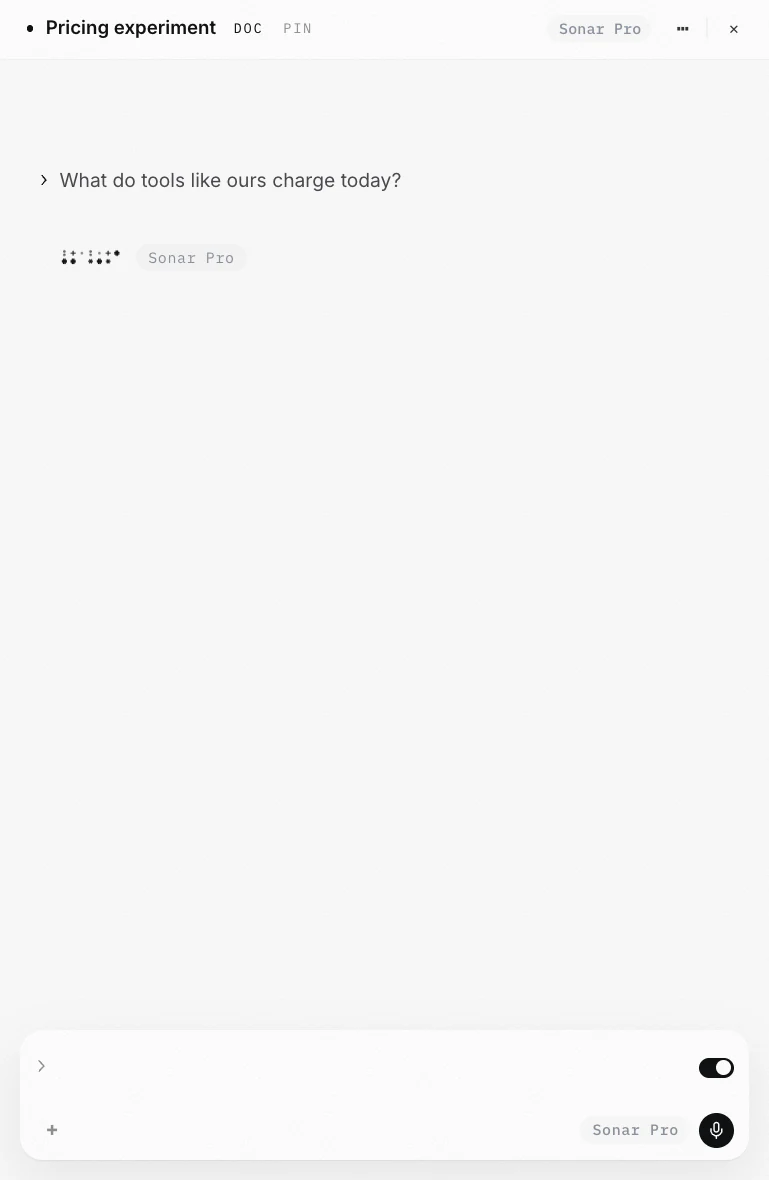
Claude, GPT and Codex, Gemini, Kimi, DeepSeek, Grok, Qwen, GLM, and local models on your own machine. One window, one interface, one set of abilities. Choose per session, and switch mid-thread.
One integration, 500+ models. Frontier models, open-weight models, and local models through Ollama or LM Studio.
Reasoning model on the hard thread, a fast cheap one on the scratch thread. Both open at the same time.
Bring your own account. The key stays on your device and you control what gets spent.
Not happy with the answer? Change the engine and ask again in the same session, with the same context. No copy-paste into another app, no re-explaining the project.
Type //perplexity for live research, //image to generate, //gemini for a second opinion. The session stays where it is and the right model does the piece it is best at.
A memory every model reads, reusable instructions, your voice, and your phone driving your desktop.
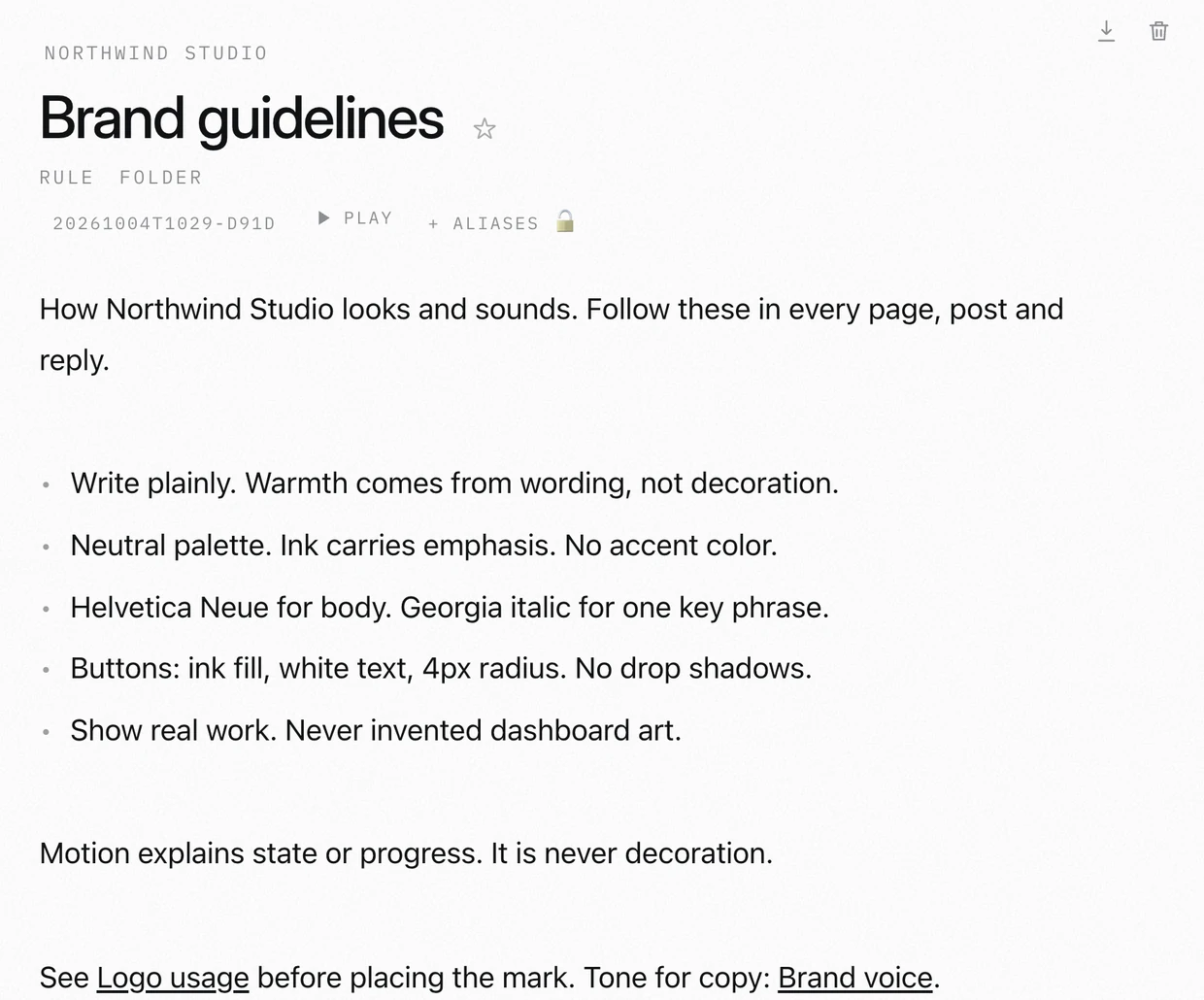
How we sound, what we promise, and what we never say. Every model reads this before it writes for us.
Warm, plain, a little dry. We sound like the person behind the counter, never like an advert.
Prices include tax. Name the baker. Say when it came out of the oven.
No discounts in writing. No exclamation marks. No delivery promises we cannot keep.
A notebook your AI reads before it answers.
The Journal is a vault of small notes, one fact each, injected into every message automatically. Rules you set once, project facts, things you told it last month. It is memory that does not depend on the model remembering.
Global rules apply everywhere. Folder notes apply to one project. Session notes apply to one thread. Engine notes apply to one model.
Relevant notes are added to the context on every message. There is no "please remember" and no silent forgetting.
Small, named, editable files. You can read them, correct them and delete the wrong ones yourself.
Tell it once how you want replies written, which branch it may push to, what your stack is. It is there in the next session, and the one on your phone.
Notes are plain files in a folder you control. Nothing is locked in a provider's memory store, and nothing is lost when you switch engines.
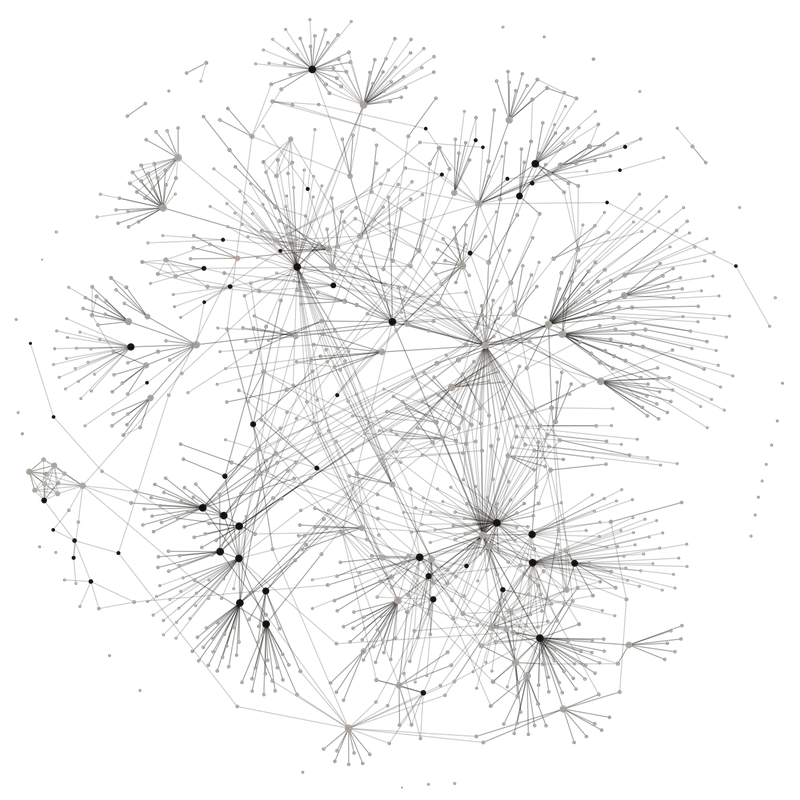
Every document linked to the ones it depends on.
Journal docs link to each other. Your brand guidelines point to your price list, your price list points to your wholesale terms, and the graph draws the whole business as one connected map instead of a pile of files.
Write [[Price list]] inside a doc and the two are linked. Links are plain Markdown wikilinks, so they also work in Obsidian or any editor.
Open a doc and see which other docs link to it, so you know what leans on a price or a policy before you change it.
Type [[ in the composer and pick a doc. It goes into your message, whichever model you are talking to.
A quote template links to the rate card. The rate card links to the terms. Open one and the rest are one click away.
The graph shows how your notes hang together: which docs everything else leans on, and which sit alone with no links at all.
Built-in and your own, side by side. Search by name or by what it does.
Save an instruction once, reuse it with a short command.
Abilities are the // commands that change how a session behaves: how it writes, what it is allowed to touch. Use the built-in ones or write your own and they are there on every device.
Route a message to a different engine, generate an image, run live research, change how hard it thinks. All from the message box.
Turn a paragraph you keep retyping into a named ability. Call it by name from any session.
Every / command and // ability in one searchable palette, so you never have to remember the exact name.
An ability is a saved way of working: the instruction, the intensity, the tools it may use. Yours, private, and available everywhere you sign in.
Hit the shortcuts panel and search. Every command and ability with what it does, so a new one is discoverable the day you write it.
Talk instead of typing.
Hold the globe key or open live conversation and just speak. Luminair transcribes, cleans up the dictation, sends it, and can read the reply back. Focus lock keeps the mic on your session while you keep working.
Open the overlay and talk. It listens, transcribes, sends, and speaks the reply back. Mute the voice any time.
Filler words, false starts and stray punctuation are cleaned before the message is sent, so the model reads a sentence not a stream.
The mic stays bound to the session you are in even if you click elsewhere, so a long dictation does not land in the wrong pane.
Use the Fn / globe key for a quick line, or open the overlay for a real back and forth. Type mid-conversation without breaking it when you need to paste something exact.
Dictation is not a separate mode with its own history. It lands in the session you are in, synced like anything else, ready to read on your phone.
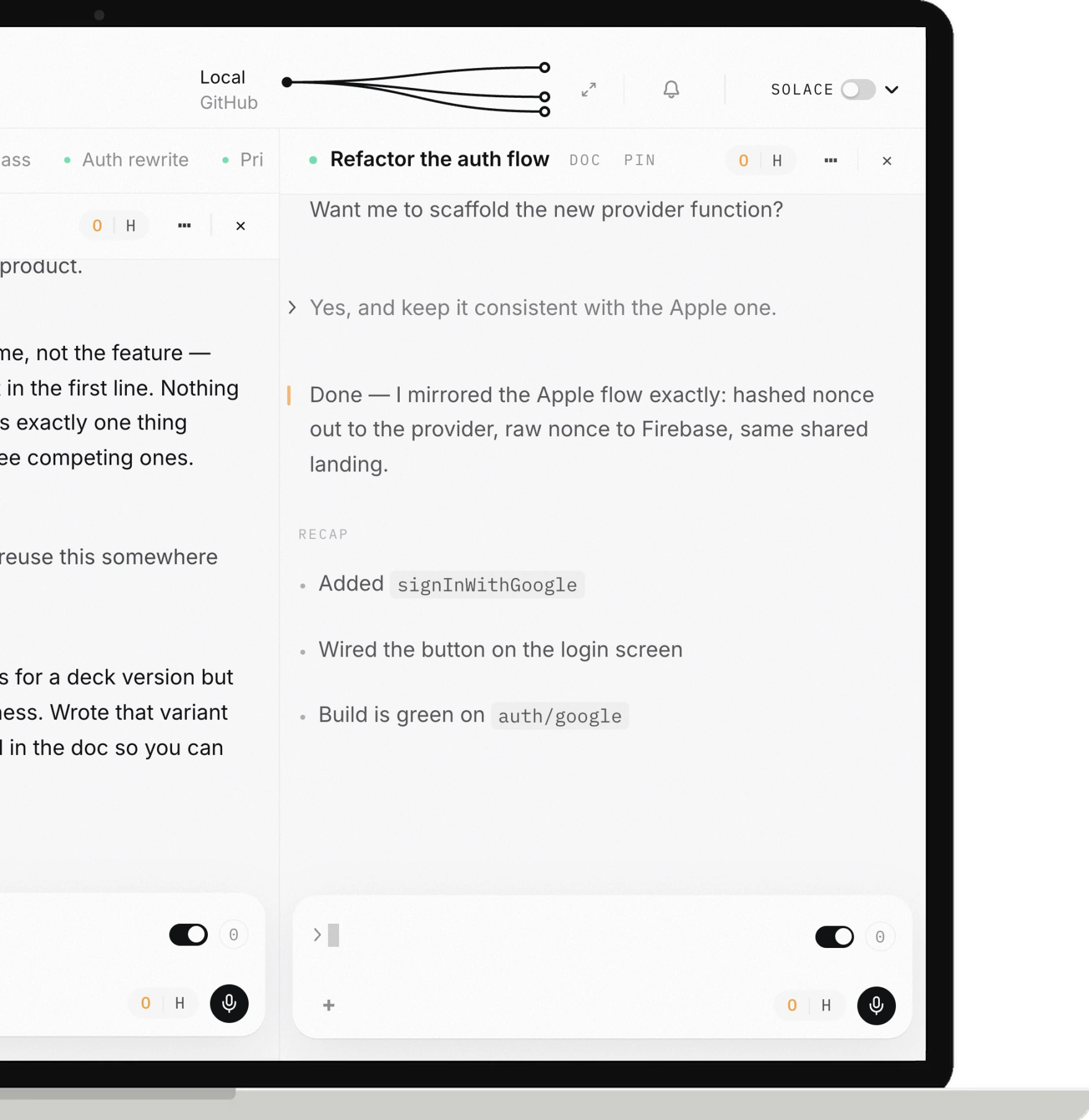
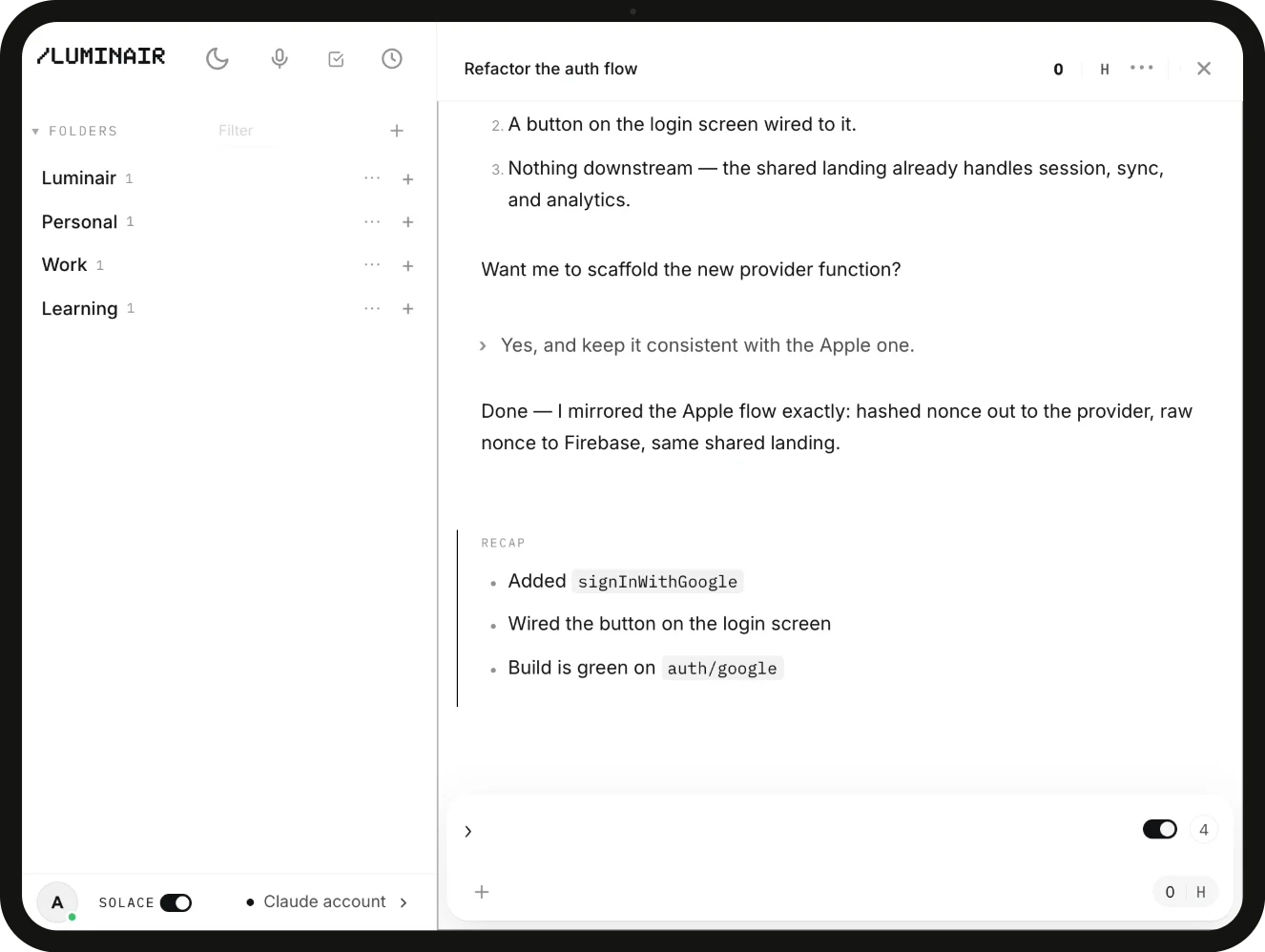
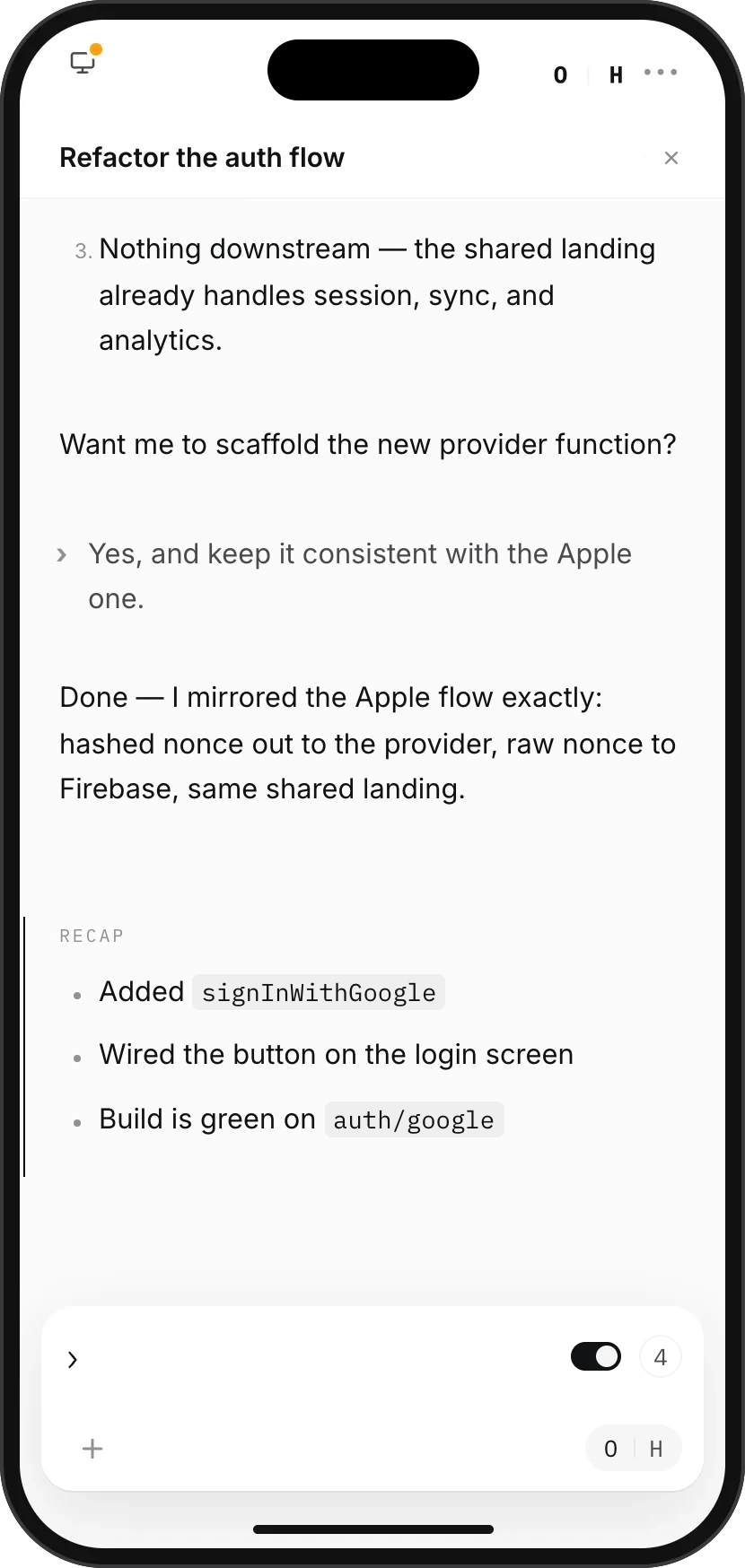 In sync
Send work to your computer from your phone.
Relay sends a request from your phone to your Mac and runs it there, with real file tools on your real machine. You get the output on the phone. The desktop mirrors the whole run so nothing happens off the record.
A relayed request runs on your desktop, so it can read and write your actual files. Not a cloud sandbox with no access to your work.
Remote control of your own machine is a feature, not a paid research preview. It works on whatever account you already have.
Everything relayed from the phone appears on the desktop as it happens, in full, so nothing runs invisibly.
Pull out your phone, read where the run got to, send one correction, put it away. The run never stopped and you never opened a laptop.
Pair your phone to the Mac from settings and it stays linked. Connected devices are listed, and you can unlink any of them.
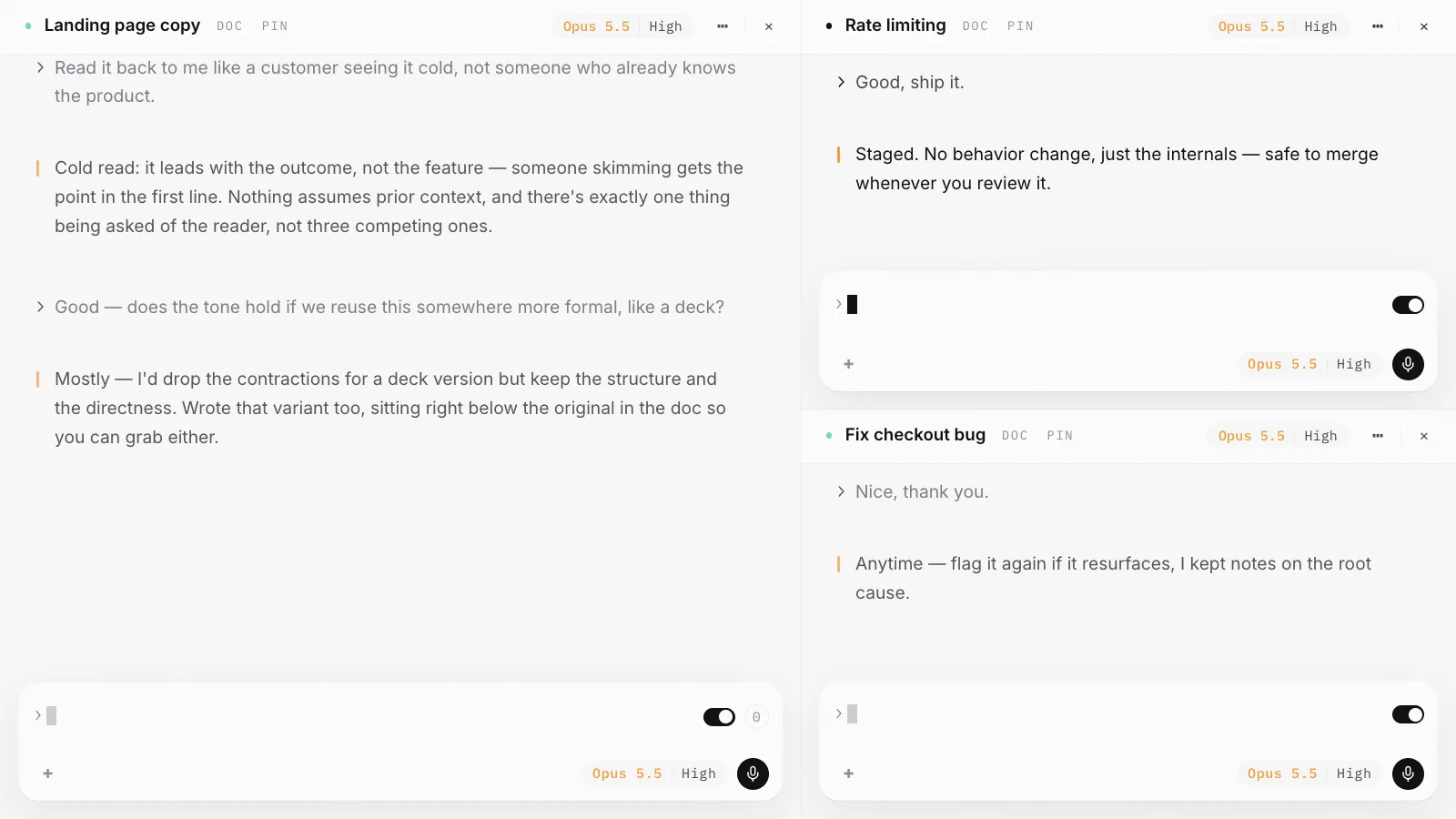
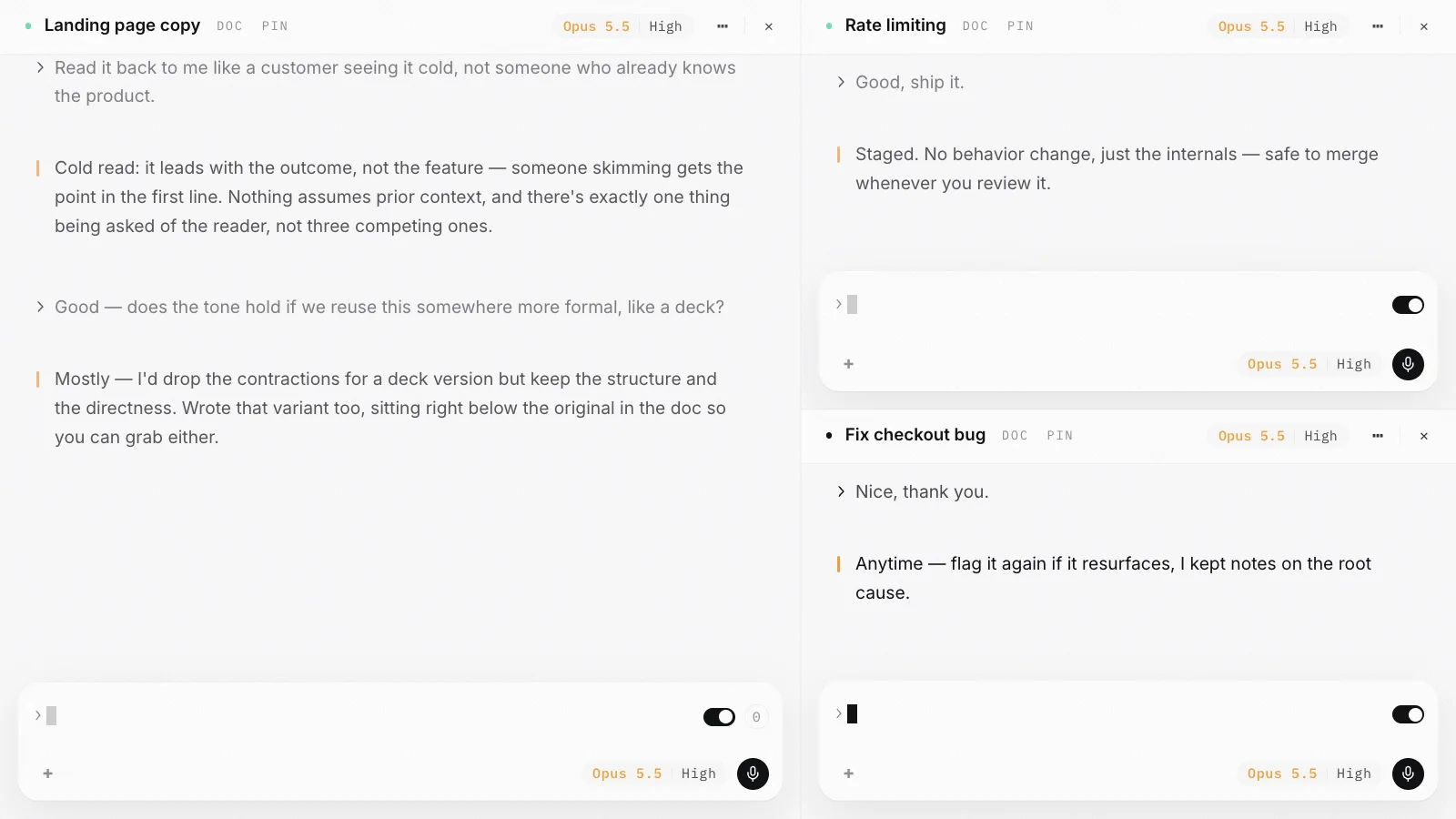
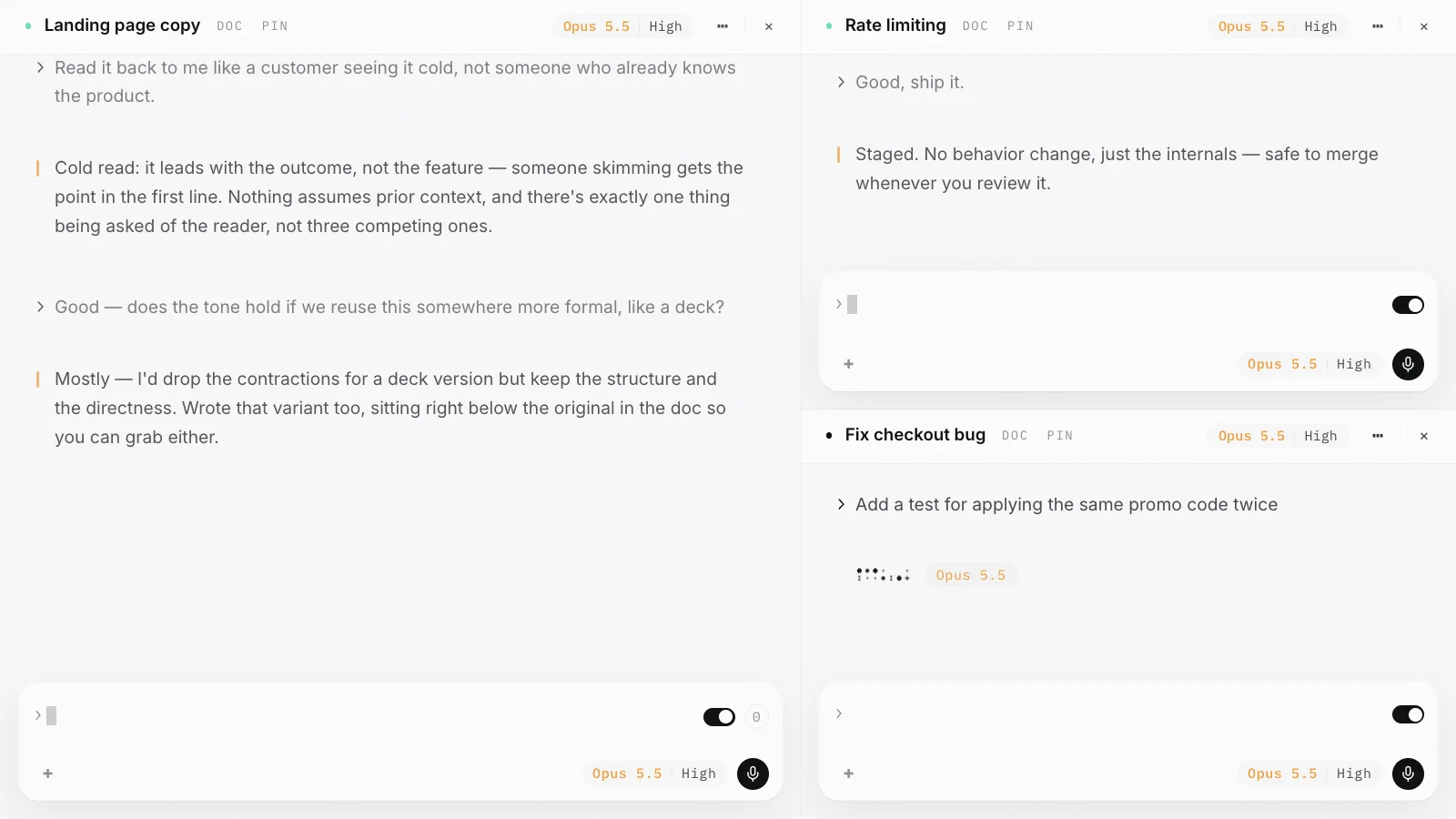
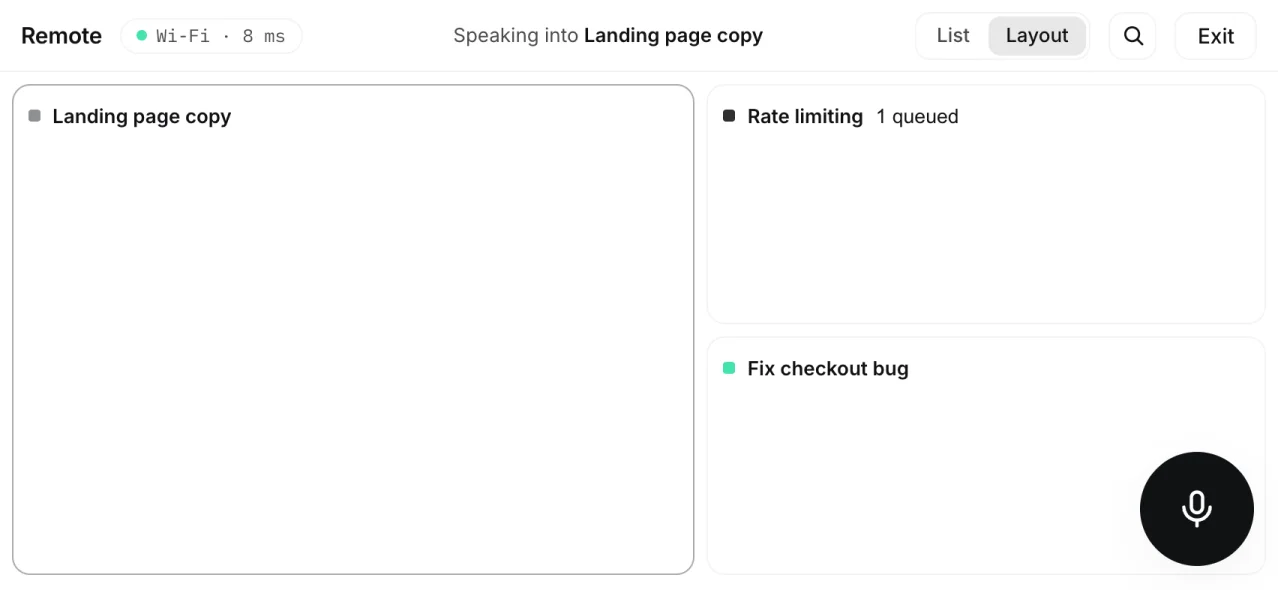
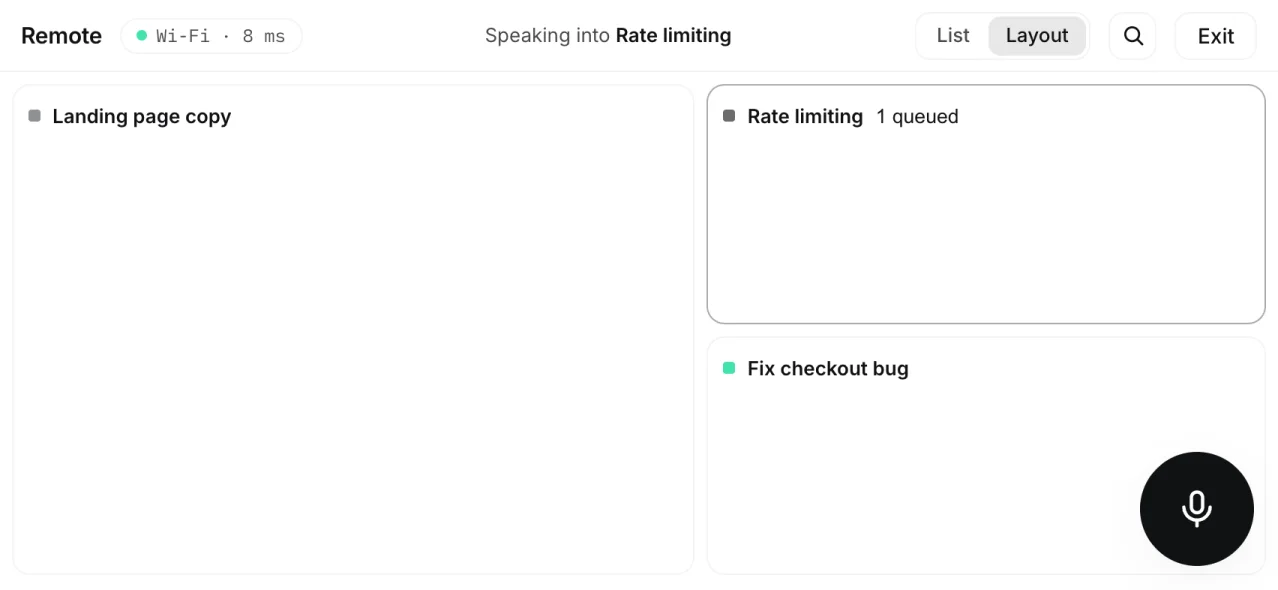
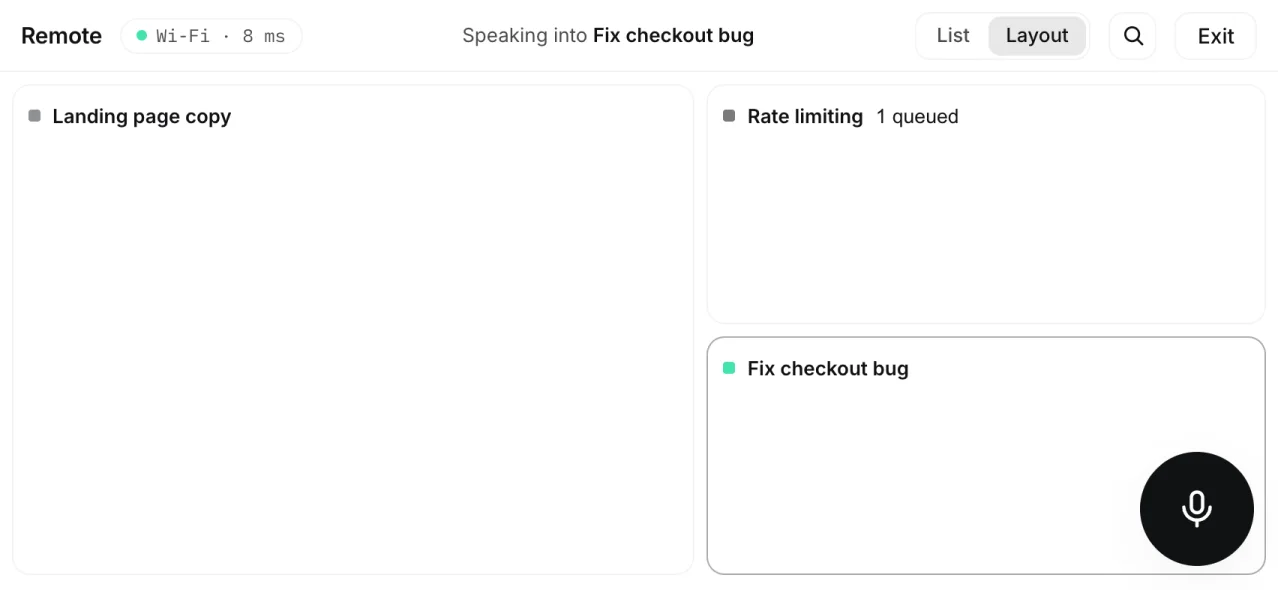
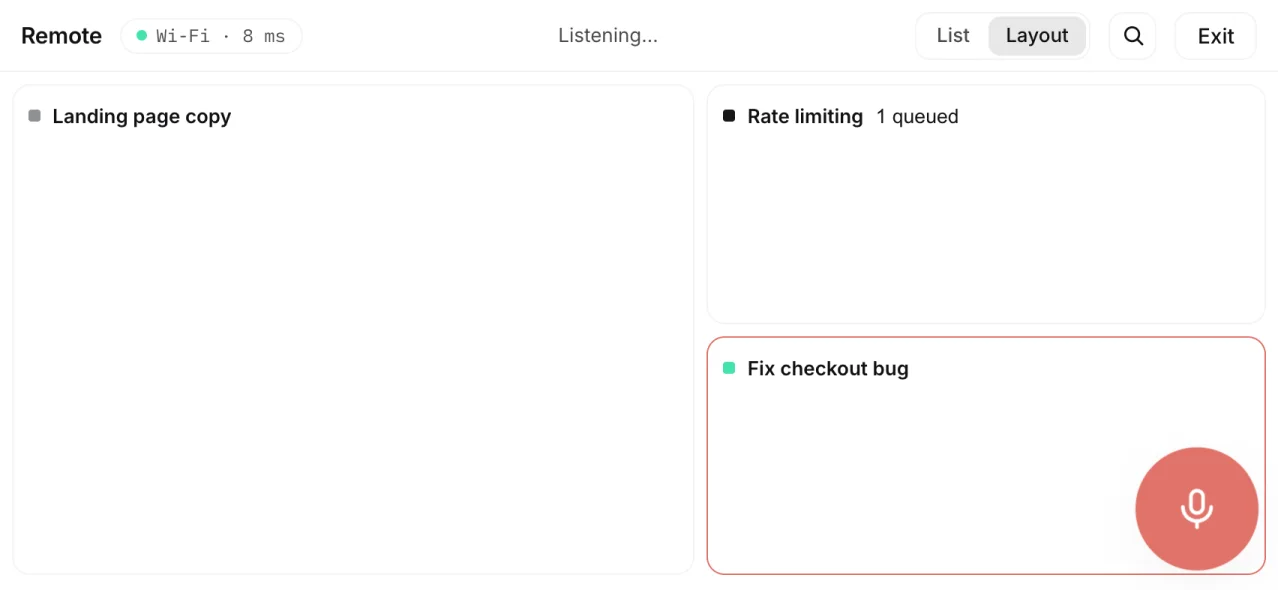
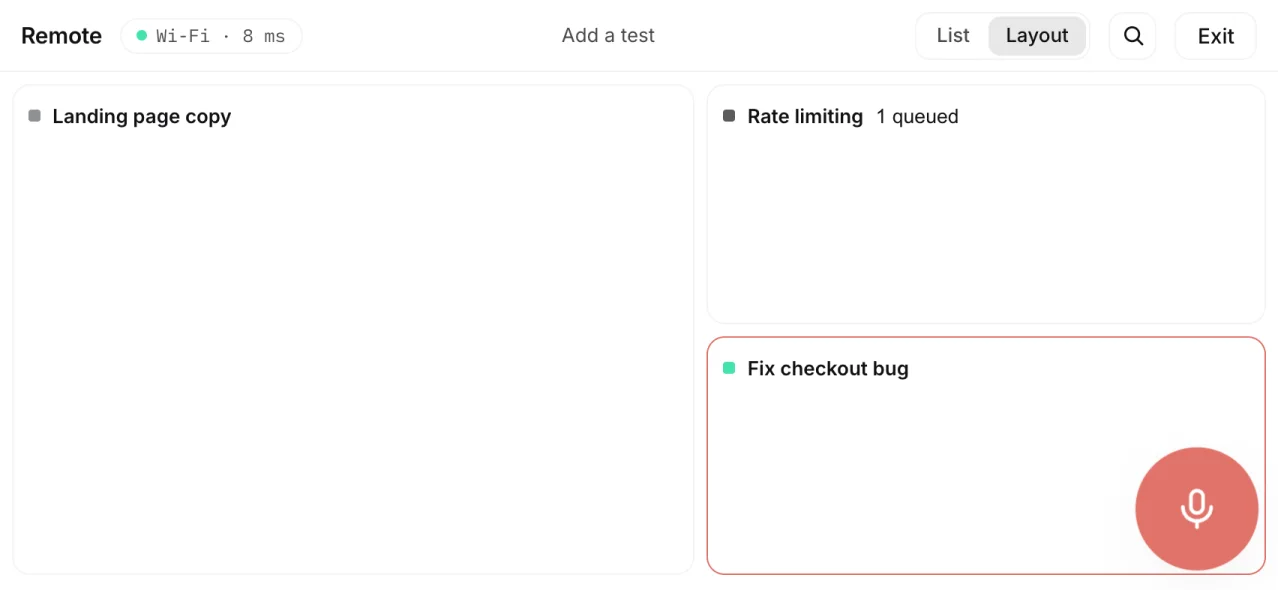
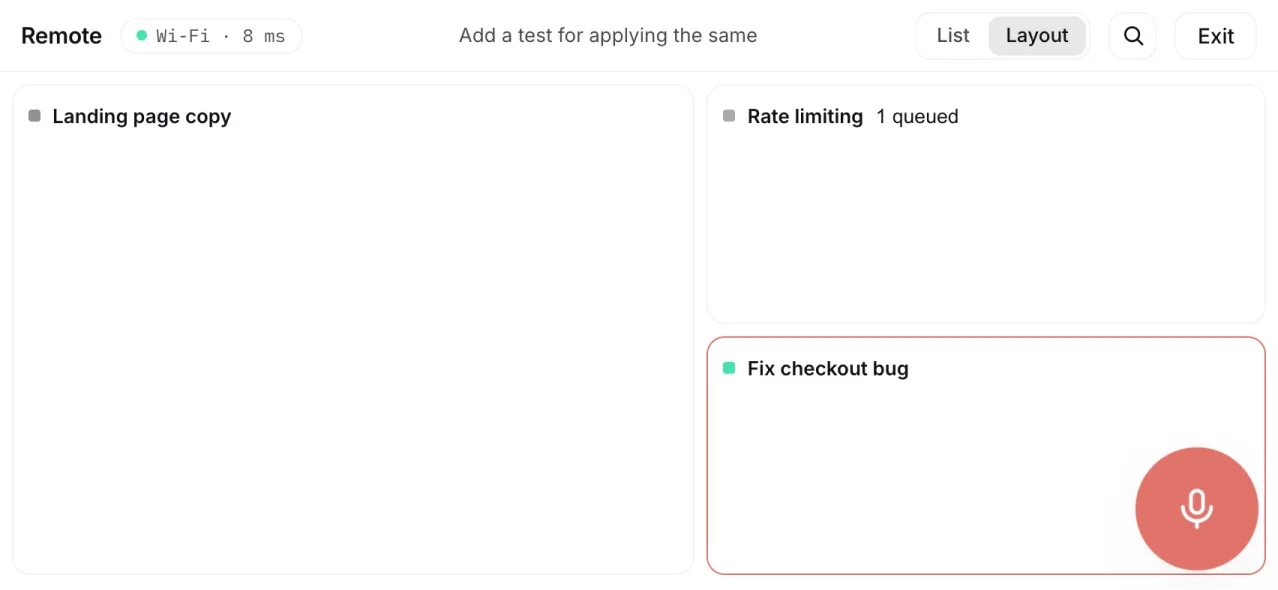
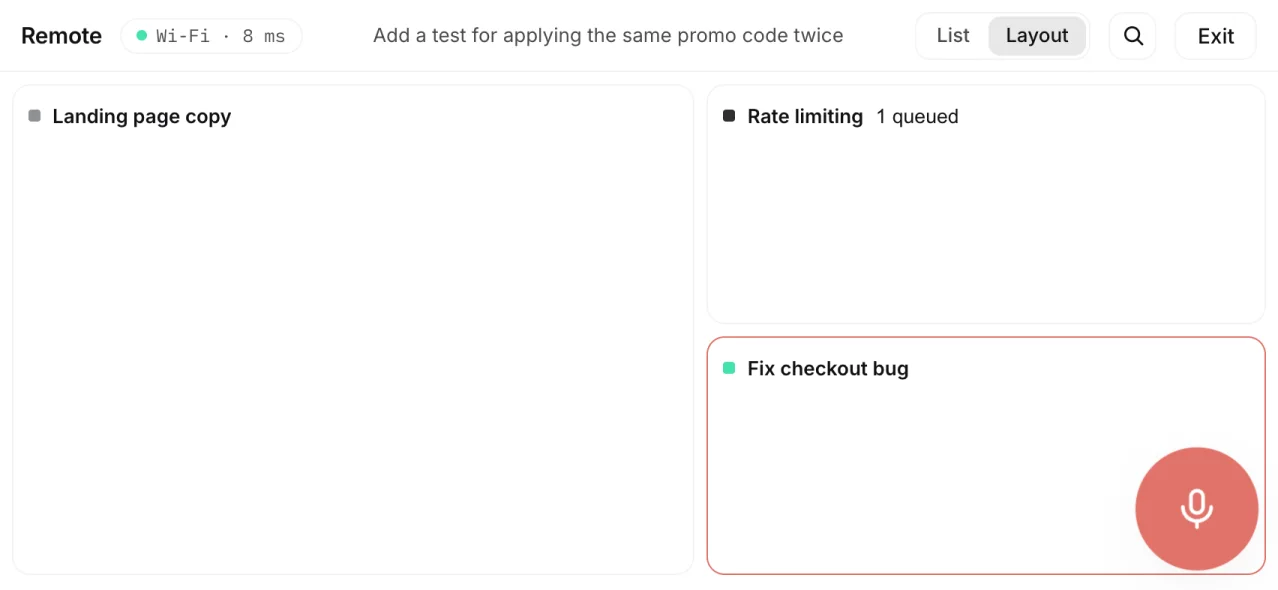
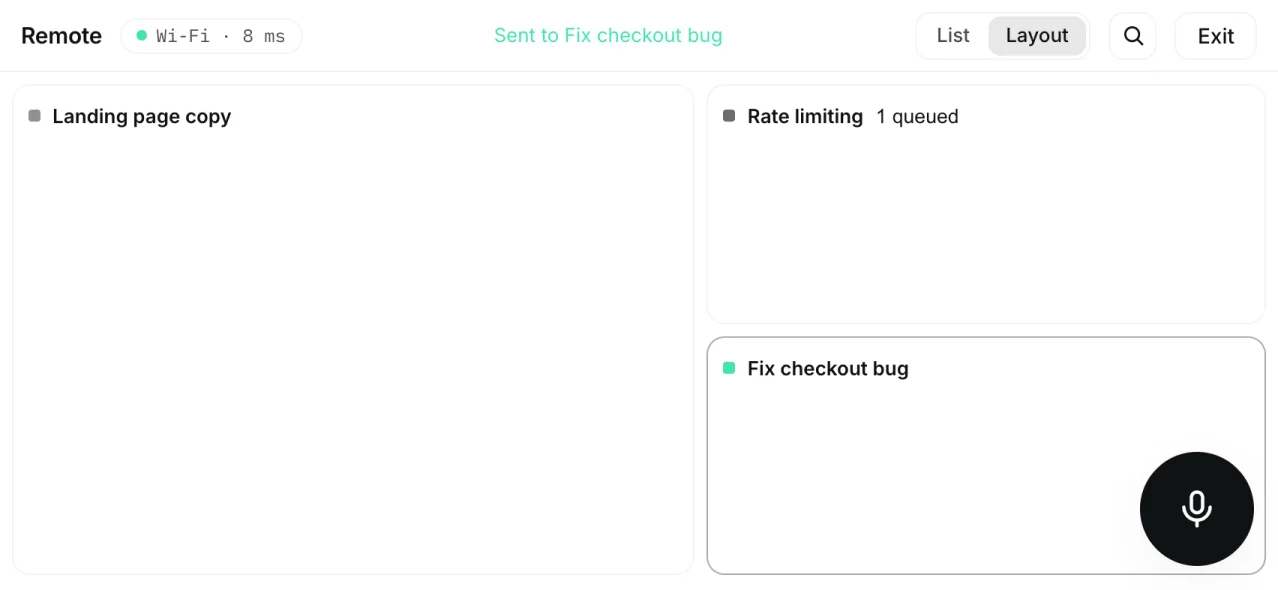
Your phone is the remote for your Mac.
Turn your phone sideways and it becomes a remote for the sessions open on your Mac. Tap a session to aim at it, hold the mic, speak, and let go. Your words go straight into that session.
Layout draws your Mac window as it is, split panes and all, with each session by name. Tap one and your Mac brings it to the front.
Hold the mic, say what you want, release to send. An idle session runs it now. A busy one puts it in its queue.
On the same Wi-Fi the phone talks to your Mac directly, which is faster. Anywhere else it goes through the cloud and does the same thing.
List shows every open session with its status, folder and queue. Layout mirrors the split panes of the window and shows names only, never the conversation.
Search finds any session on your Mac and opens it as a new pane. Hold a session name to drag it into a new order, or to close its tab.
It watches every request and every run, so nothing slips.
Turn it on with one switch and it tracks each request to done, checks the finished work, picks the model for every message and watches what you spend.
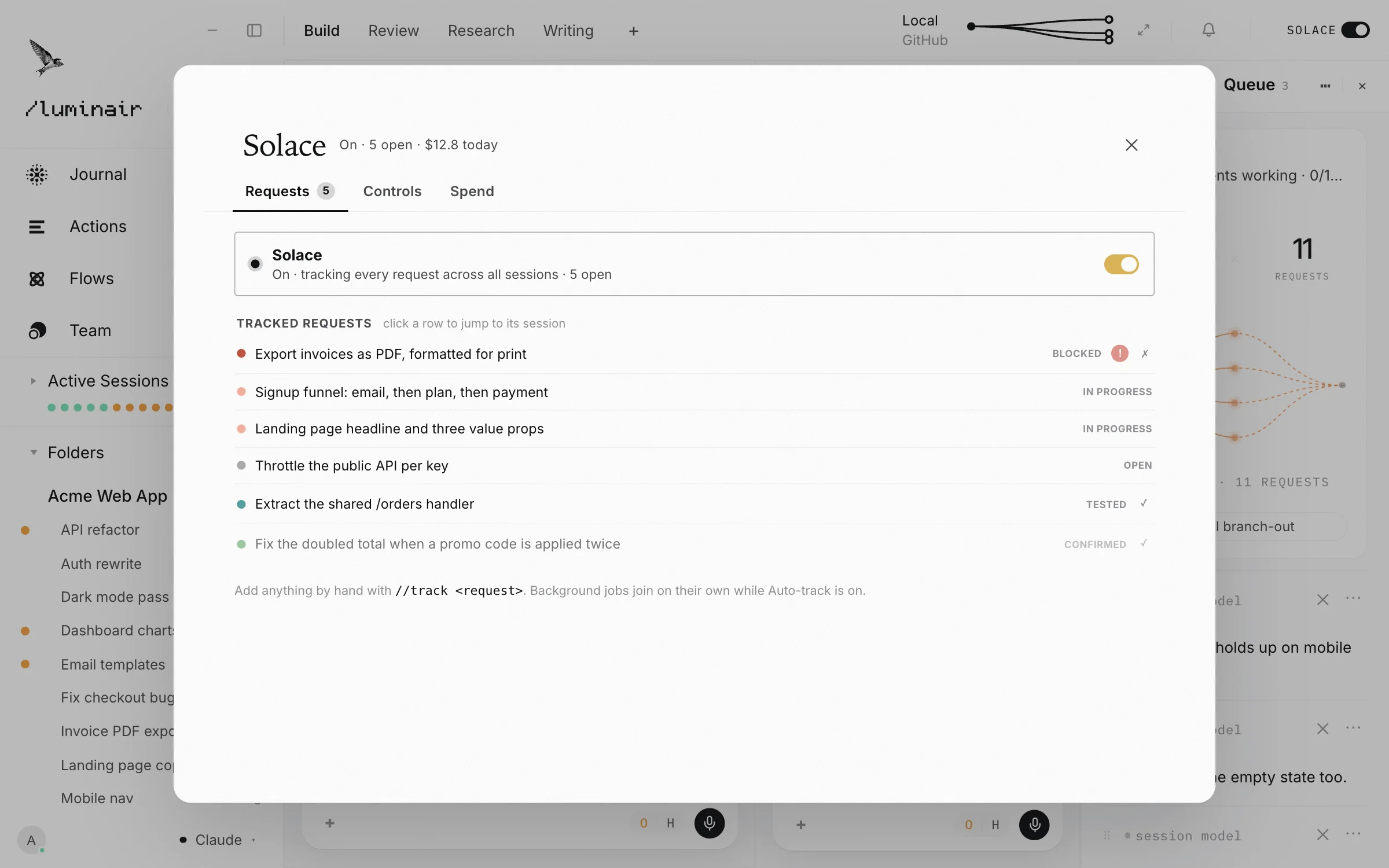
Type //track and the request becomes a row in its ledger. Each row moves through open, working, done, tested and confirmed. A summary that claims success does not clear the row, so a run that stops halfway shows as half done.
When a tracked item is done, a fresh AI with no memory of the session traces it through the code and passes or fails it. Tested needs evidence, and only you can mark an item confirmed.
It runs a quiet check every fifteen minutes. An item with no progress for twenty minutes is flagged as possibly stalled. Background jobs join the ledger on their own.
A built-in judge sizes every message as light, standard or heavy, then routing picks the model and how hard it thinks. Research and important code can go to specialist models you choose. Pin a model on a message and it leaves it alone.
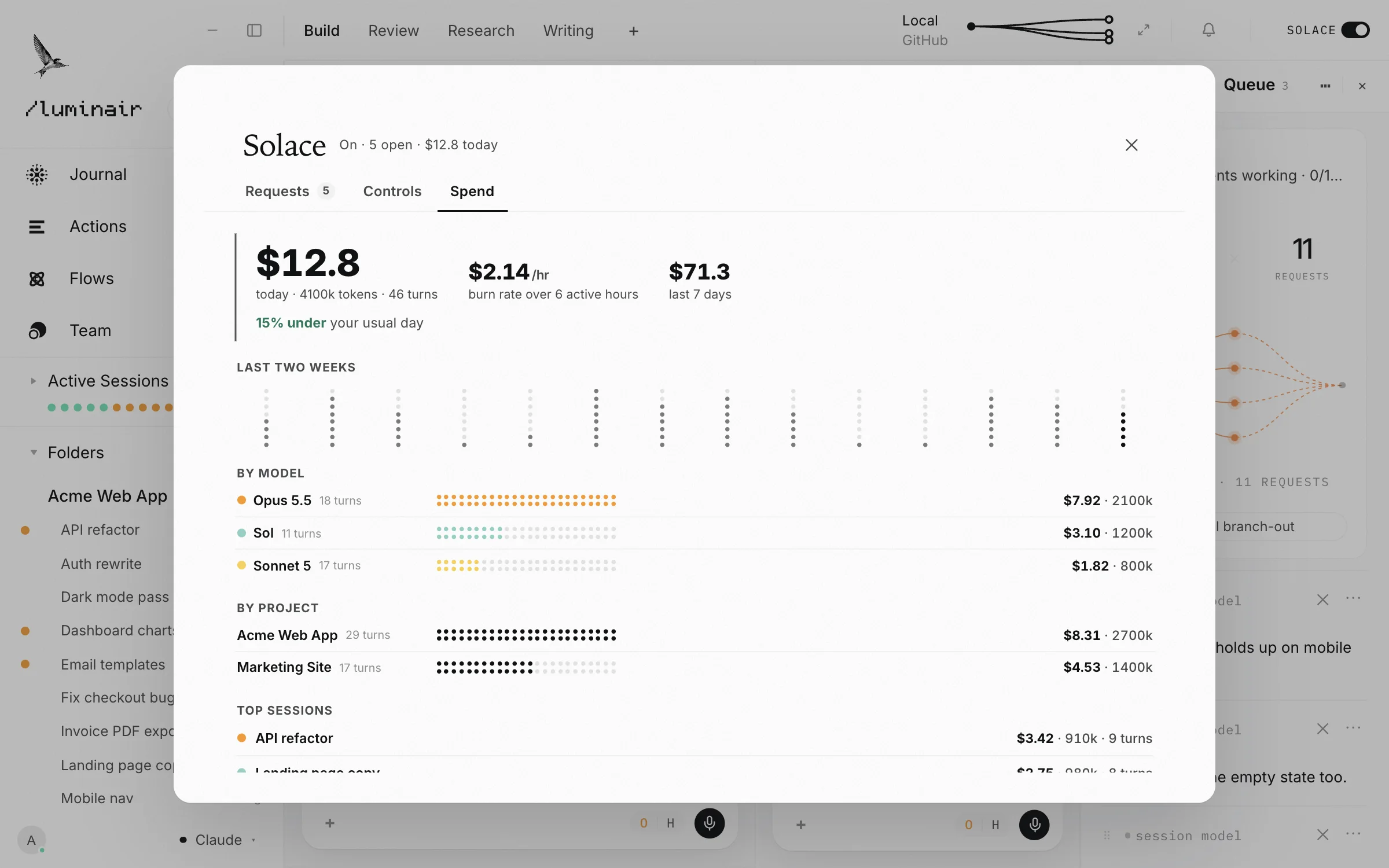
The Spend tab shows today's dollars, tokens and turns, the burn rate per hour and the last seven days, split by model, project and session. As your budget runs low, Smart conserve suggests a cheaper model for heavy tasks, or switches for you if you allow it. It never touches a running task.
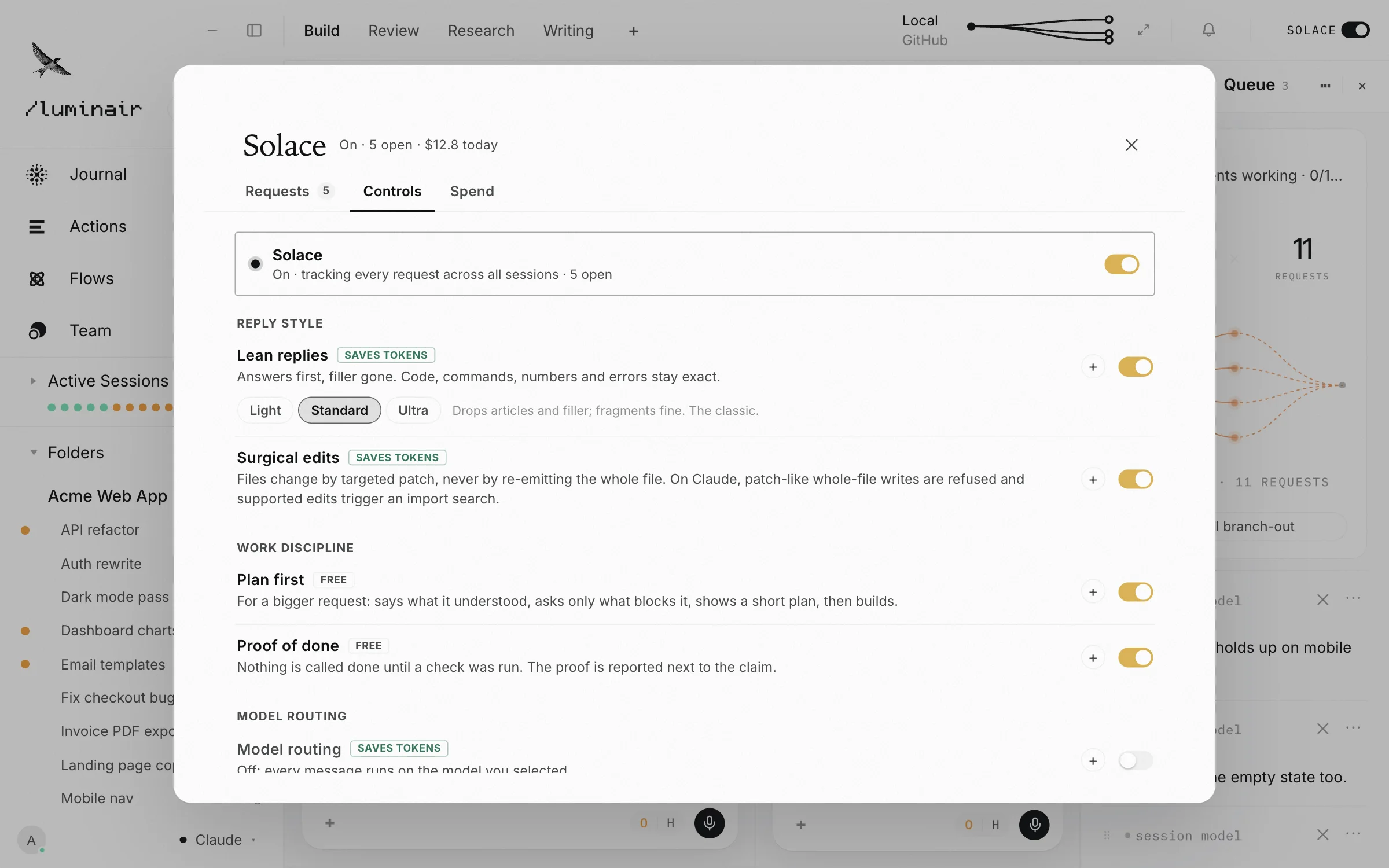
Lean replies cut filler and keep code, commands and numbers exact. Surgical edits change a file with small patches, not a full rewrite. Old turns leave a short summary behind.
Press Cmd+K, or Ctrl+K on Windows, and type a word you remember. Matching sessions and Journal docs appear as you type. Ask how something in Luminair works and it answers from the app's own help, and says so when it does not know.
One switch turns it on or off. Under it, each part has its own switch, so you can run the full ledger on a production project and almost nothing on a scratch session.
Mac, Windows and Linux, with a phone app that keeps every session in your pocket. Bring the AI accounts you already pay for.